The 6 questions every enterprise asks before turning on AI Agents in GIS


In 2026, AI questions stopped being a curiosity item at the end of a demo. They are now a standard block in enterprise due diligence, asked with the same seriousness as security and pricing. Before any enterprise turns on AI Agents in GIS, the same six questions come up.
We pulled these insights from utilities, banks, insurers, telecoms, retailers, and more. Here they are, and what to expect as the response.
1. Which model powers the AI Agents, and can we bring our own LLM?
Both options exist, and the distinction matters. CARTO provides managed models out of the box, so teams can start without standing up any AI infrastructure.
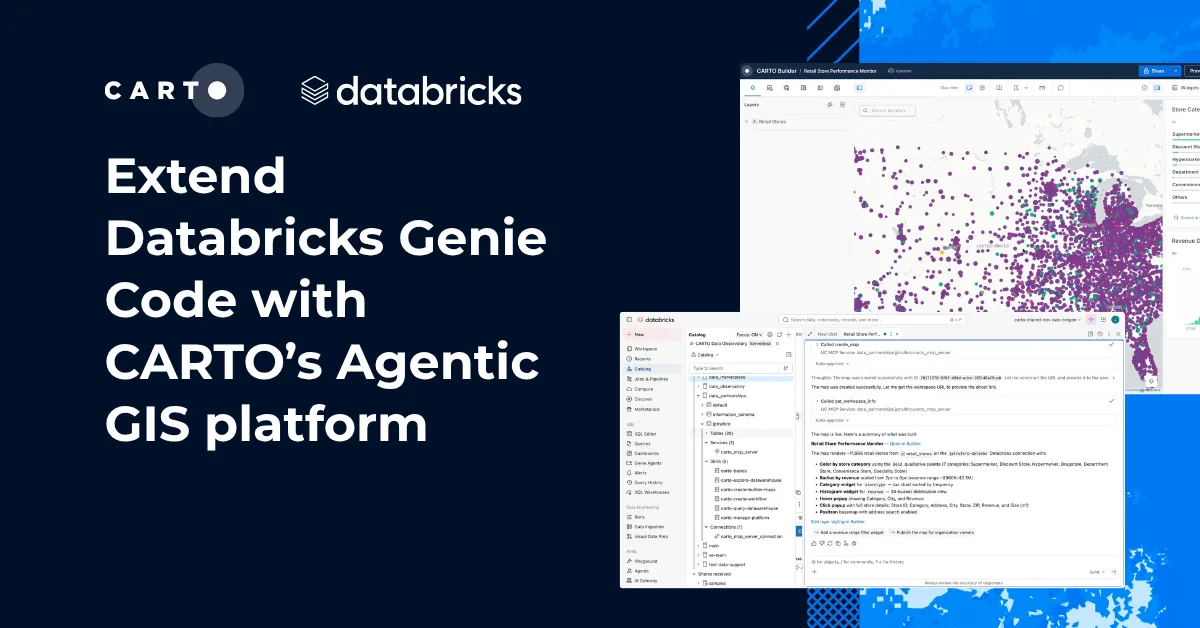
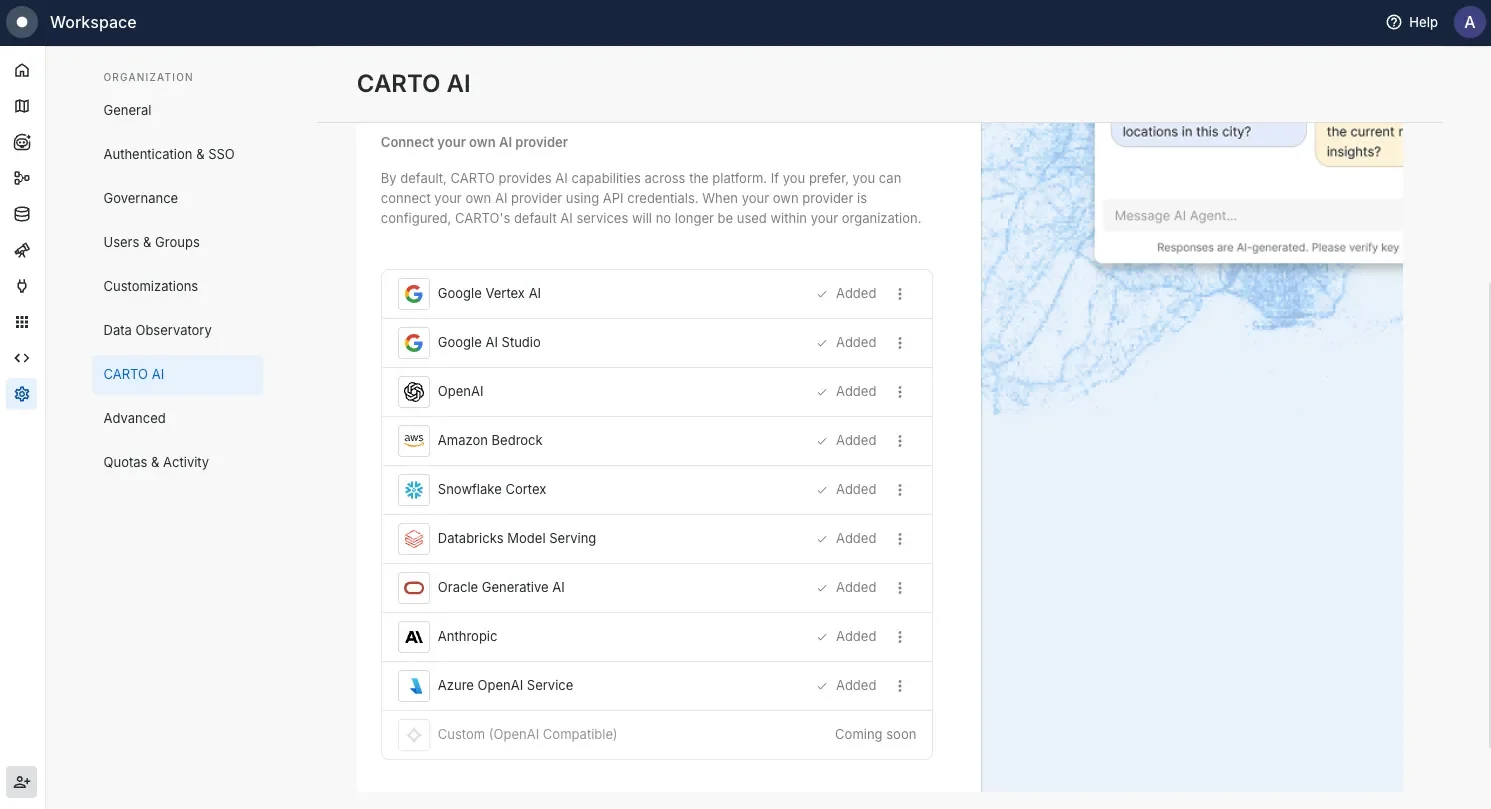
Organizations with their own AI standards can connect their own models. Two variants of this come up repeatedly: configuring your own model through a custom API, and using the foundation models already available in an environment you run, such as Databricks.
Enterprises evaluating our agentic features also ask whether Gemini access requires a license of their own. Both paths work, through CARTO’s access or through yours.
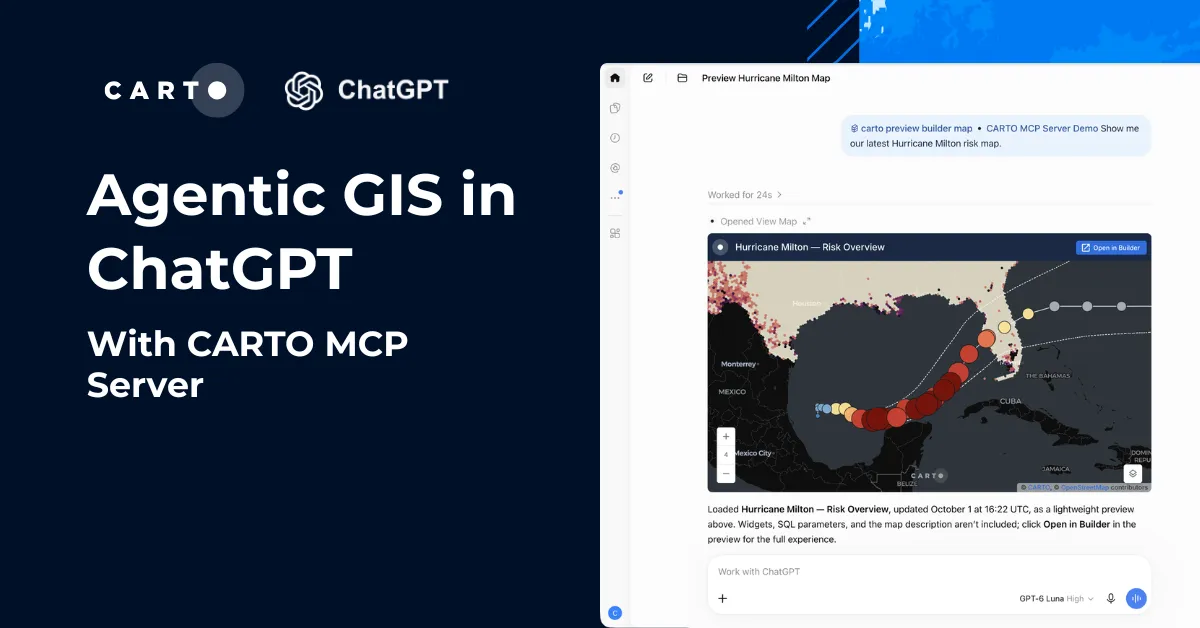
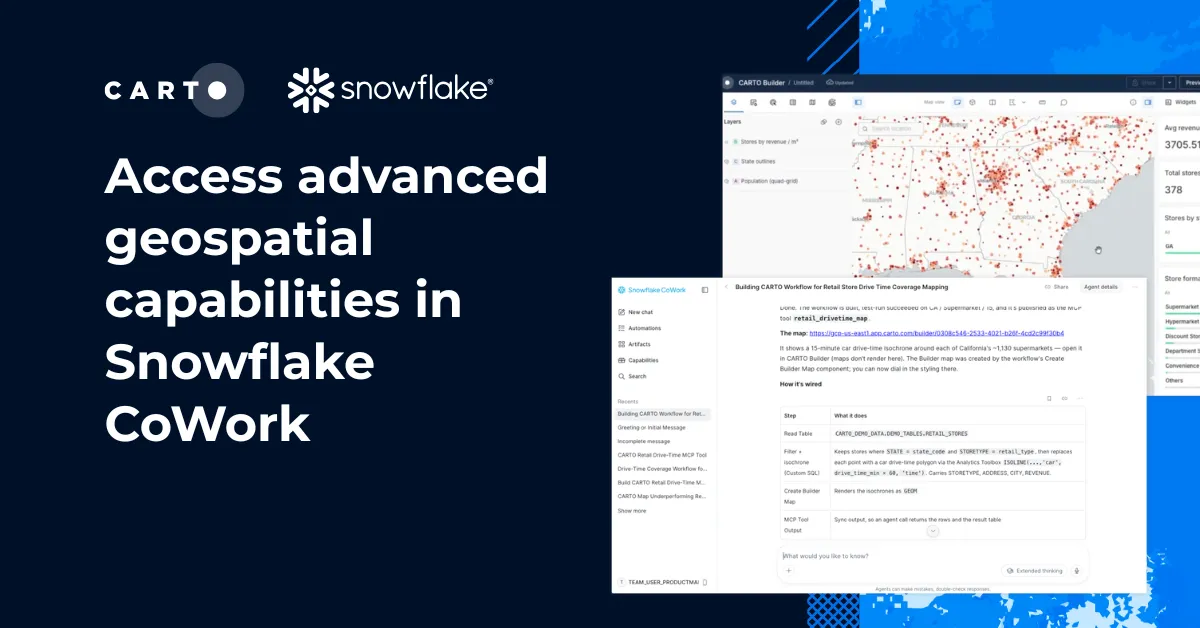
CARTO integrates natively with the AI stack of every major cloud, so agents run on the models your cloud already governs: Google AI Studio and the Gemini Enterprise Agent Platform, Snowflake Cortex AI, Amazon Bedrock, Databricks Mosaic AI, and Oracle Generative AI.
2. Is our spatial data used to train AI models?
No. Your data is not used to train CARTO’s models or anyone else’s.
The architecture answer is the same one that governs the whole platform: analysis runs inside your data warehouse, and what travels to a model is the minimum context needed to do the job, under the configuration you control. When it comes to chat features, the answer is the same: the data does not leave the platform boundary you have approved.
3. Can we stop an AI Agent from hallucinating about our spatial data?
You can constrain what an agent is allowed to see and do, which is the practical version of this question. Enterprises ask whether an AI Agent can be parameterized to work only against approved tables. It can. Agents in CARTO are configured with explicit instructions and explicit data scope, so an agent built for network planning cannot wander into HR tables, and its answers are grounded in the datasets you assigned.
Scope is one half of the answer. The other is making sure the agent understands the data it is allowed to see. An agent that does not know an index column holds H3 cells, or that stores sit within territories, falls back on naming conventions and guesswork. That is why CARTO AI Agents can be configured with a semantic model that carries spatial meaning, covering geometry types, spatial indexes, and geographic hierarchies, so answers are grounded in definitions you control rather than inferred from column names.
We shared more of what we have learned about scoping agents well in what we learned building AI Agents for geospatial analysis.
Just as important: the output of agentic work in CARTO is inspectable. Workflows and maps produced with AI assistance are artifacts a human can open, audit, and rerun. Because every step is backed by a workflow, the logic is explicit, versioned, and auditable, rather than relying on the model to generate queries on-the-fly.
4. How do AI Agents authenticate, and what permissions do they inherit?
Agents act as governed users, not as a superuser bolted onto the side. An agent authenticates, inherits the permissions of the user or service identity it runs as, and every action it takes is logged inside your cloud’s existing controls.
If your warehouse enforces row-level security, the agent sees only the rows that identity is allowed to see. That is what spatial data governance looks like when agents join the workforce.
5. What will procurement and legal need in order to approve AI Agents?
Expect your AI review process to apply, and plan for it early. Your procurement could trigger an additional review cycle when covering AI functionality, and that can become an AI addendum to the contract.
That is increasingly normal, and it is faster when the answers to questions 1 through 4 are documented up front. We provide that documentation as standard during evaluations, so your legal team is reviewing facts rather than chasing them.
6. What does AI Agent usage cost in a GIS platform?
AI Agent usage is part of the same usage-based subscription as the rest of the platform, not a separate meter you discover later. Model calls consume from your plan’s usage allowance like other platform activity, and if you connect your own model, its costs sit in your existing AI stack under your existing terms.
The pattern behind all six AI Agent questions
Every question above is really one question: does the AI operate inside our rules or outside them?
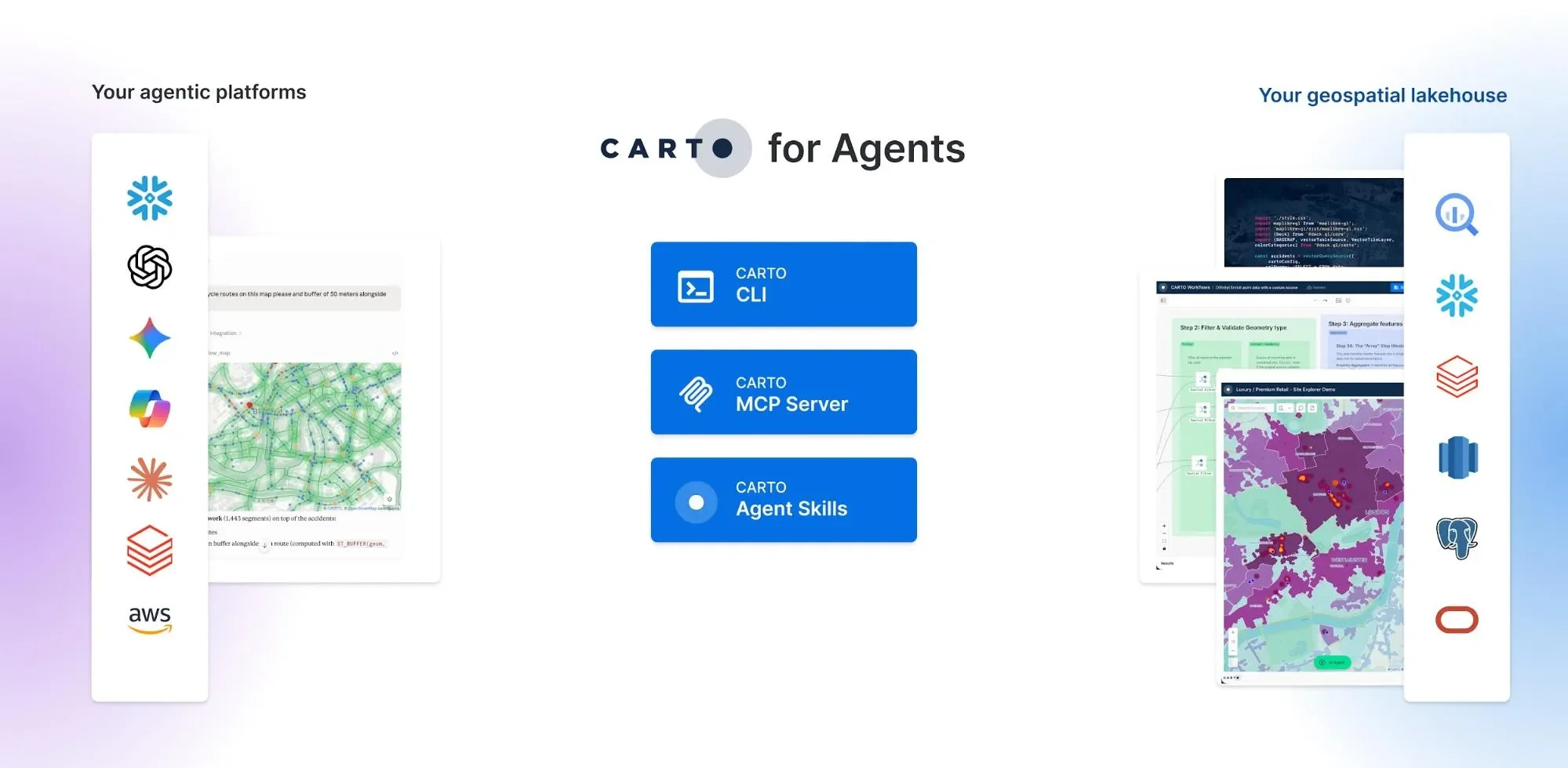
That is the design decision behind Agentic GIS. CARTO AI Agents run inside Builder maps and apps for business users, CARTO for Agents brings the platform into the chat and coding agents your teams already use, and in both cases the analysis runs in your warehouse under your governance. Humans and AI Agents share one set of data, one set of permissions, and one definition of a trustworthy answer.
If your AI review board has a seventh question, we would genuinely like to hear it. Request a demo and bring the whole list.
Frequently Asked Questions
Which model powers CARTO AI Agents, and can we bring our own LLM?
Both options exist. CARTO provides managed models out of the box, so teams can start without standing up any AI infrastructure, and organizations with their own AI standards can connect their own models. CARTO also integrates natively with the AI stack of every major cloud, including Google AI Studio and the Gemini Enterprise Agent Platform, Snowflake Cortex AI, Amazon Bedrock, Databricks Mosaic AI and Oracle Generative AI, so agents can run on the models your cloud already governs.
Is our spatial data used to train AI models?
No. Your data is not used to train CARTO’s models or anyone else’s. Analysis runs inside your own data warehouse, and what travels to a model is the minimum context needed to do the job, under the configuration you control. The same applies to chat features: the data does not leave the platform boundary you have approved.
Can we stop an AI Agent from hallucinating about our spatial data?
You can constrain what an agent is allowed to see and do. Agents in CARTO are configured with explicit instructions and an explicit data scope, so an agent built for network planning cannot wander into HR tables and its answers are grounded in the datasets you assigned. Agents can also be given a semantic model that carries spatial meaning, such as geometry types, spatial indexes and geographic hierarchies, so they are not guessing at what a column represents. The output is inspectable too: workflows and maps produced with AI assistance are artifacts a human can open, audit and rerun.
How do AI Agents authenticate, and what permissions do they inherit?
Agents act as governed users, not as a superuser bolted onto the side. An agent authenticates, inherits the permissions of the user or service identity it runs as, and every action it takes is logged inside your cloud’s existing controls. If your warehouse enforces row-level security, the agent sees only the rows that identity is allowed to see.
What will procurement and legal need in order to approve AI Agents?
Expect your existing AI review process to apply, and plan for it early. Procurement can trigger an additional review cycle when AI functionality is involved, and that can become an AI addendum to the contract. It moves faster when the answers on models, training data, scoping and permissions are documented up front, which CARTO provides as standard during evaluations.
What does AI Agent usage cost in a GIS platform?
AI Agent usage is part of the same usage-based subscription as the rest of the platform, not a separate meter you discover later. Model calls consume from your plan’s usage allowance like other platform activity. If you connect your own model, its costs sit in your existing AI stack under your existing terms.