How to choose a GIS platform: 8 features to look for



Choosing a GIS platform is a multi-year decision that touches your data team, your GIS specialists, your security team, and your budget. The hard part is not finding a feature list. Every platform has one. The hard part is knowing which features actually decide whether the platform works for your organization, and which ones look good in a demo but do not matter day to day.
This is a practical checklist of the features to look for when choosing a GIS platform. Use it to compare candidates on the same terms, and to ask vendors the questions that separate a modern platform from a repackaged legacy one.
8 features to look for when choosing a GIS platform
1. Where it runs
The deployment model shapes everything else: cost, scale, who can use it, and how much your team has to maintain. The three options are cloud-native (runs in the cloud, often inside your data warehouse), desktop (installed on individual machines), and on-premise (runs on servers you operate).
What good looks like: the model matches where your data and your people are. If your data already sits in a cloud warehouse and many teams need access, a cloud-native platform fits. If you have strict offline or on-premise requirements, factor that in early, since it narrows the field.
2. Whether it works on your data where it lives
This is the criterion that decides the most and gets asked the least. Legacy GIS expects data in its own formats, so every project begins by exporting data from the warehouse and loading a copy into the GIS. Those copies need storage and pipelines, and they drift out of date the moment they are made.
What good looks like: the platform analyzes the data where it already sits, with no copy step. A warehouse-native platform runs analysis directly inside Snowflake, BigQuery, Databricks, Redshift, or Oracle, so there is one governed copy and the analysis is always current.
3. Performance at scale
A platform that feels fast on a sample of a few thousand rows can stall on the real dataset. Ask how the platform behaves on the data volumes you actually have, today and in three years.
What good looks like: the platform handles datasets in the millions or billions of records without lengthy run times or a hardware upgrade. Platforms that push computation down to elastic warehouse compute scale with your data instead of against it.
4. Depth of analysis, not just mapping
Some tools make maps. Fewer answer questions. Putting points on a map is not the same as working out where to place a store, which areas carry the most risk, or how a network should be extended.
What good looks like: the platform runs real spatial analysis (proximity, catchments, routing, spatial statistics) and supports spatial SQL, so analysts can go past visualization into the questions that change a decision. Our guide to the best spatial analytics platforms compares how the major tools stack up here.
Hotspot analysis of footfall in Los Angeles: statistically significant clusters surfaced with spatial statistics, not just colored by value on a map. Source: Unacast.
5. AI and automation
AI has moved from a slide to a daily tool. The useful question is whether the platform builds it in where the data is, or bolts it on as a separate product.
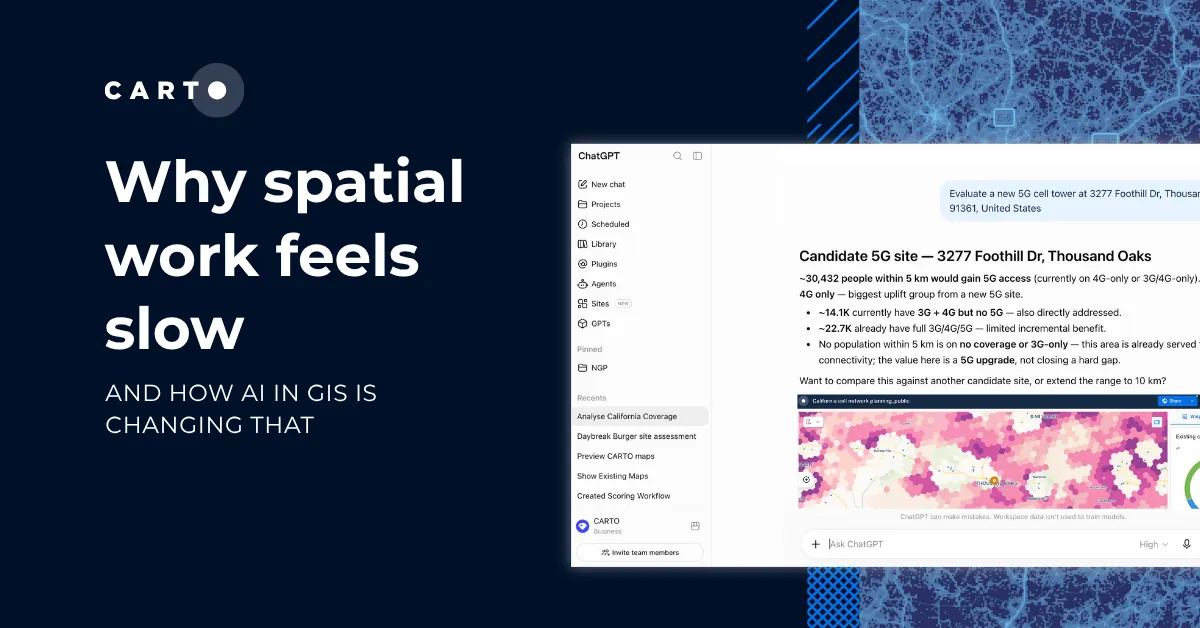
What good looks like: the platform offers automation for repeatable workflows and Agentic GIS, where you ask spatial questions in plain language and the work runs against governed warehouse data with no separate copy or pipeline.
6. Ease of use and collaboration
A platform only pays off if people use it. If every spatial question has to pass through a small team of specialists, that queue becomes the real bottleneck, no matter how capable the software is.
What good looks like: analysts, data scientists, and business users can work in the same platform, ideally in SQL and natural language rather than a proprietary scripting language, so spatial work is shared across the organization rather than trapped on a few desktops. With CARTO for Agents, analysts build repeatable spatial analysis inside coding agents for shorter delivery, and anyone can ask a spatial question in plain language and get the analysis back against governed data, while teams stay in control of the methodology.
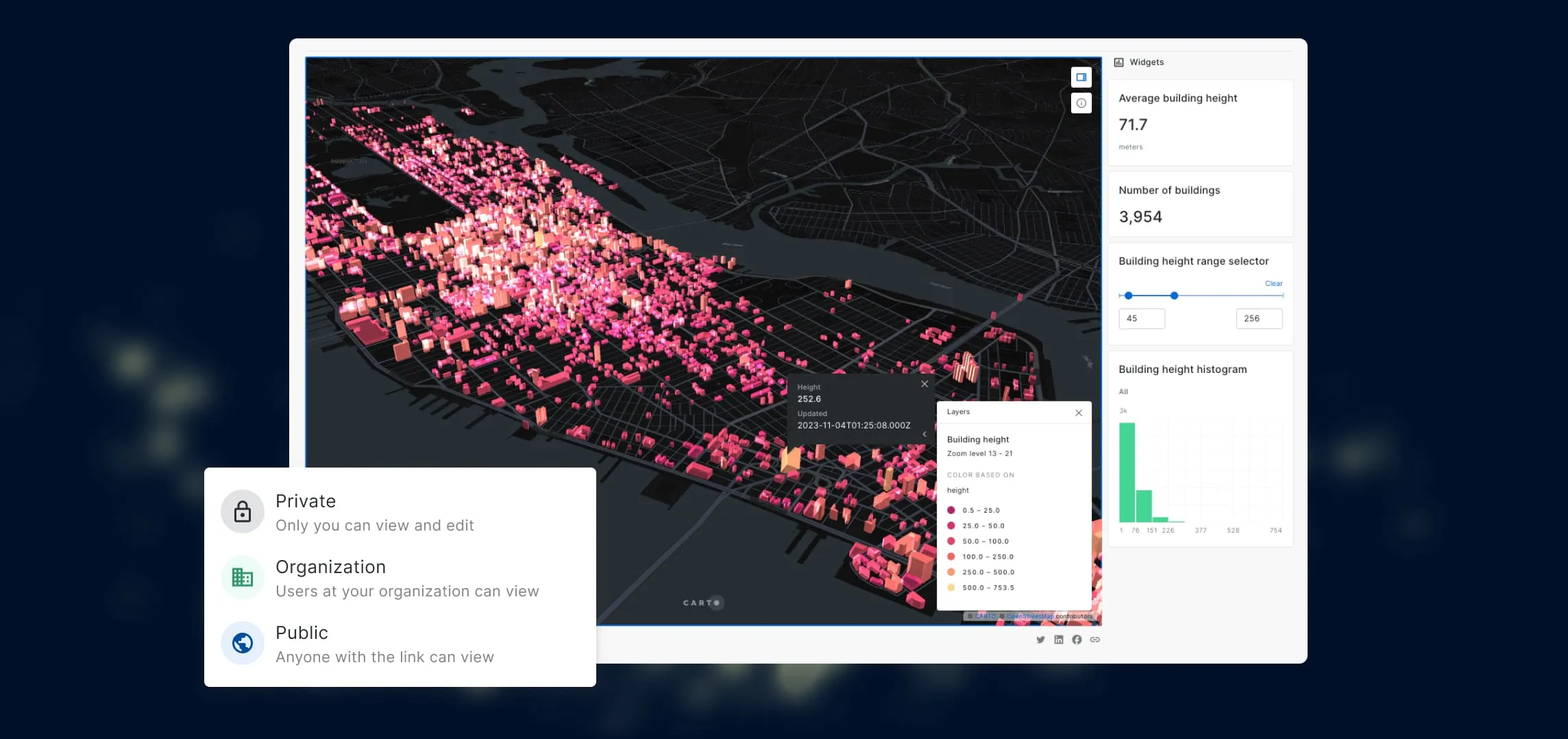
When spatial work lives in a shared platform, maps and analysis can be handed across the team instead of staying on one analyst’s machine.
7. Governance, security, and compliance
Enterprise and government buyers cannot treat this as a footnote. The platform has to fit the controls your organization already runs on.
What good looks like: role-based access control, single sign-on, audit logging, recognized certifications such as SOC 2, and clear data residency. A platform that analyzes data in place inherits the governance your warehouse already enforces, instead of creating a second store to secure. For how CARTO approaches this, its Trust Center sets out the certifications, access controls, and data residency it supports.
8. Cost model and total cost of ownership
The license is usually the smallest line. The full bill includes infrastructure, the engineering hours spent moving data in and out, specialist staffing, and the cost of waiting for answers.
What good looks like: pricing that scales with use rather than locking you into per-seat licenses that pile up at enterprise size, and a model where adding a user does not mean buying another expensive seat. Our total cost of ownership framework walks through how to count all of it.
How to use this checklist
Turn these eight features into a simple scorecard. Rate each candidate from 1 to 5 on every criterion, and weight the ones that matter most to your organization (for many teams, data integration and cost carry the most weight).
Then run a short proof of concept on your own data and a real question, not a prepared demo. Measure how long it takes to get to an answer someone can act on, and add up the full multi-year cost. The platform that needs the least data movement and the fewest specialist hands usually comes out ahead on both speed and cost.
Where CARTO fits
CARTO is built for the teams whose data already lives in a cloud data warehouse. It runs spatial analysis as SQL directly inside Snowflake, BigQuery, Databricks, Redshift, and Oracle, so data never has to move, governance is inherited from the warehouse, and pricing scales with use rather than per-seat licenses. Agentic GIS through CARTO AI Agents runs on the same governed data.
If you want to see how that compares with desktop and open source options, read our guide to the best spatial analytics platform for your team. If your data is already in a warehouse and you want to see analysis run on it directly, request a demo.
Frequently Asked Questions
What features should I look for when choosing a GIS platform?
Look at eight things: where it runs (cloud-native, desktop, or on-premise), whether it analyzes your data where it already lives or forces copies, how it performs at scale, whether it does real analysis or only mapping, its AI and automation, ease of use and collaboration, governance and compliance (RBAC, SSO, SOC 2, data residency), and the cost model. For most enterprise teams the deciding factor is the second one: a platform that runs inside your cloud data warehouse removes the data copies, pipelines, and per-seat costs that dominate the total bill.
How do I evaluate GIS software for an enterprise?
Score each candidate against the same criteria rather than feature lists alone. Run a short proof of concept on your own data and a real question, measure how long it takes to get an answer, and add up the full cost over a multi-year window including licensing, infrastructure, data engineering, and staffing. The platform that needs the least data movement and the fewest specialist hands usually wins on both speed and cost.
What questions should I ask a GIS vendor?
Ask where the analysis runs and whether your data has to leave your warehouse, how pricing scales as you add users and data, which compliance certifications and access controls they support, how the platform handles datasets in the millions or billions of records, and what AI or automation is built in. Ask for a proof of concept on your data, not a canned demo.
Cloud-native, desktop, or open source GIS: which should I choose?
Desktop GIS fits individual analysts, offline work, and strict on-premise requirements. Open source fits solo analysts, researchers, and teams that want full control of the code. Cloud-native fits enterprise and government teams whose data already sits in a cloud warehouse and who need many people to work on it with governance and scale. Many large organizations run more than one, with a cloud-native platform as the shared system of record.
Does a GIS platform need to integrate with my data warehouse?
If your organization already runs a cloud data warehouse, yes. Without native integration, every spatial project starts by exporting and copying data into the GIS, which adds storage, pipelines to maintain, and a second version of the data that drifts out of date. A warehouse-native platform analyzes the governed data in place, so there is one copy and the analysis is always current.