Introducing CARTO for Agents, GIS for the Agentic Enterprise


Most GIS teams are still buried in complex user interfaces while the rest of the tech world moves to agentic speed. But that's changing fast. Geospatial analysts, developers, and data scientists are increasingly working from a chat window or a terminal, alongside AI Agents that call their tools for them. A map may still provide the answer, but the path to it is no longer a traditional GIS interface.
This is not unique to GIS. Across every industry and every category of enterprise software, the same shift is underway: what used to be a SaaS UI for an agent is a CLI command, an API, or an MCP tool. Agents don't go to a browser or click through dropdowns. They call APIs, invoke MCP tools, and run CLI commands directly. The whole stack is being rewritten so agents can drive it.
Late last year, we published our vision for Agentic GIS and started executing against it: CARTO AI Agents, our MCP Server, and a first version of the CARTO CLI.
Today, we are taking that vision a step further with CARTO for Agents, turning CARTO into the first GIS platform fully designed for the Agentic Enterprise: a business where humans and AI agents work on spatial analytics together in a seamless, collaborative ecosystem.
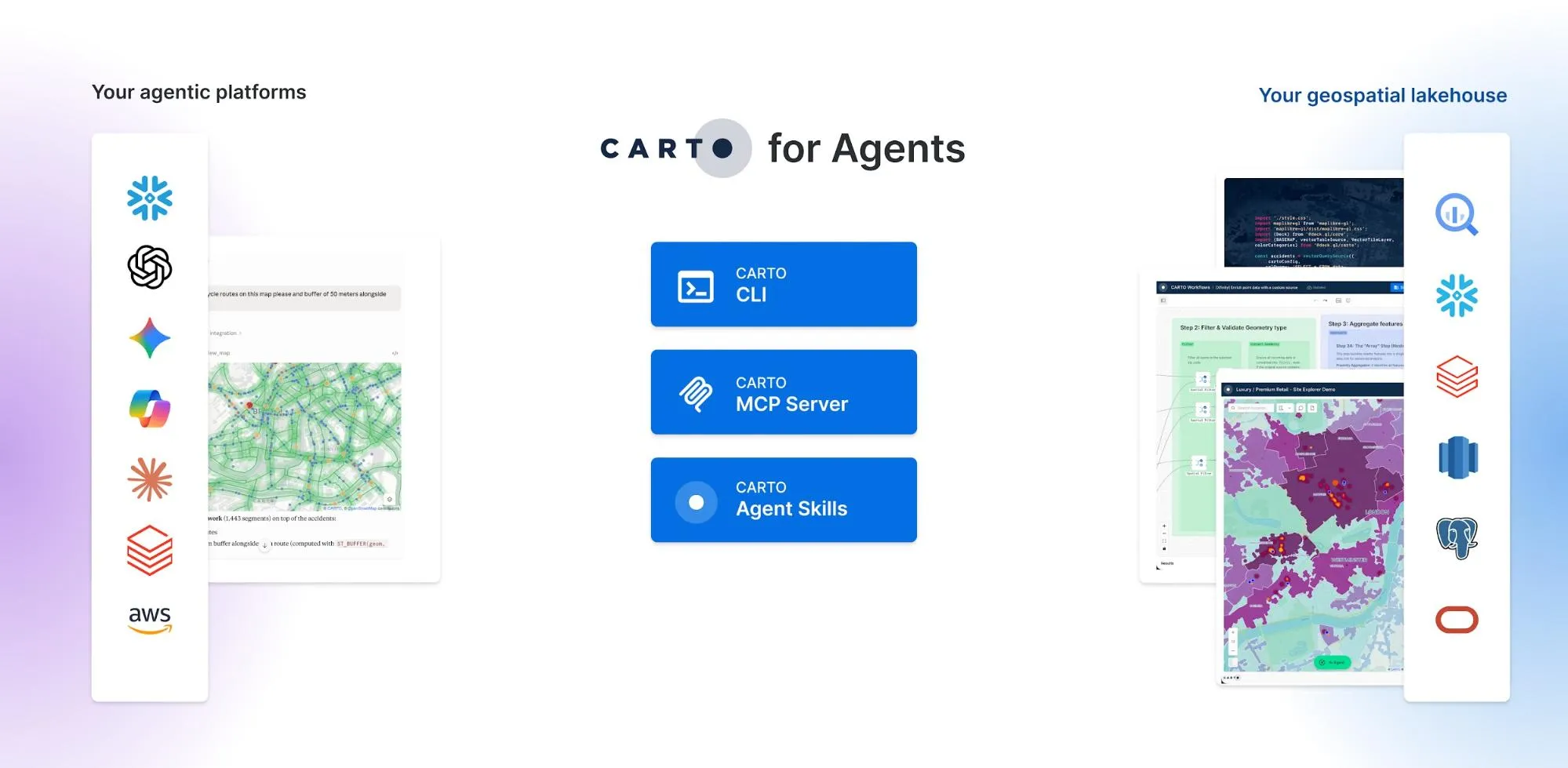
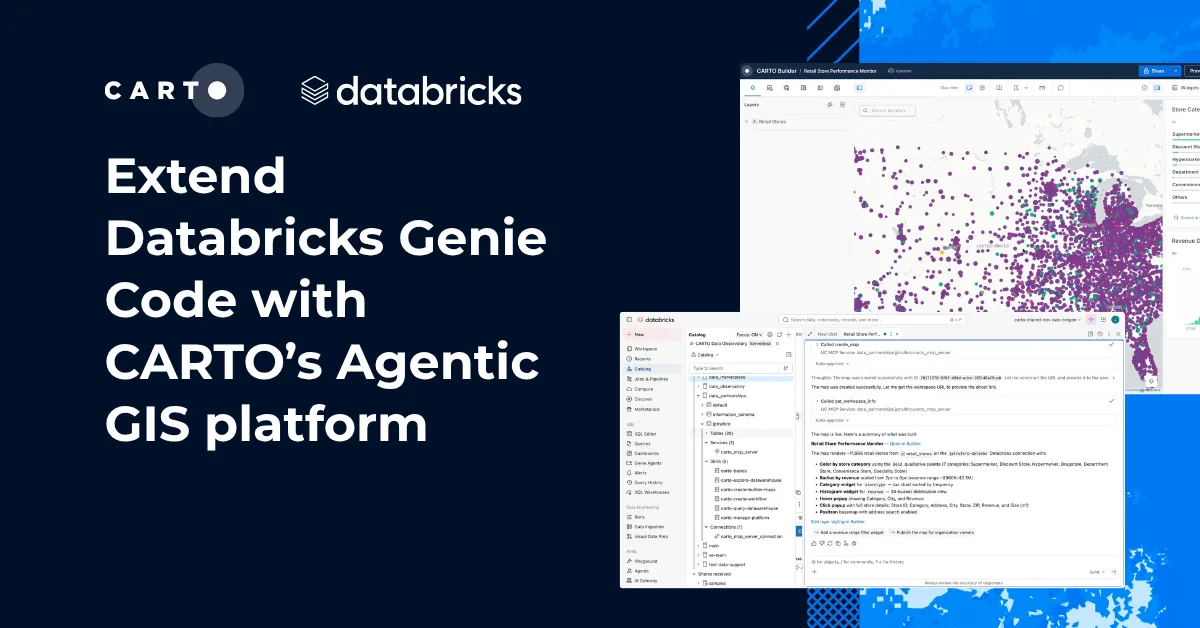
Every platform capability is now available as a CLI command or MCP tool. Paired with CARTO Agent Skills and a richer MCP Server, AI agents can now operate CARTO end to end: connecting to your data warehouse, exploring and accessing spatial data, running spatial analysis, and publishing interactive maps, all inside your existing governance framework. CARTO for Agents is compatible with the leading agentic platforms, including Anthropic's Claude, OpenAI Codex, Gemini CLI, Microsoft Copilot, and more.
Three building blocks make this real: an extended CARTO CLI, our collection of CARTO Agent Skills, and a richer CARTO MCP Server. Let's look at each.
CARTO CLI: the platform surface built for agents
A few months ago, we announced the new CARTO CLI, a command-line interface designed for the agentic future of enterprise geospatial workflows. That first release gave administrators a single place to automate CARTO operations; such as managing multiple CARTO environments from a single tool, and getting visibility into organization-wide usage metrics.
Today, we are extending the CLI to offer a programmatic interface to every platform capability. The CLI becomes the foundation on which Agentic GIS can be built: agents don't have to imagine how the platform works, they ask the CLI.
This new release of the CLI includes commands for:
- Connecting to and querying your data warehouse, browsing schemas, and importing or exporting data (e.g.
carto connections create,carto sql query,carto import,carto export). - Authoring, copying, and publishing CARTO Builder maps, including AI-Agent-enabled maps (e.g.
carto maps create,carto maps copy,carto maps publish). - Building, executing, scheduling, and copying CARTO Workflows, including exposing them as MCP tools (e.g.
carto workflows create,carto workflows run,carto workflows schedule). - Discovering and subscribing to Data Observatory datasets (e.g.
carto do list,carto do search,carto do subscribe). - Managing API tokens and OAuth clients for apps built with CARTO for Developers, including SPA and machine-to-machine credentials (e.g.
carto credentials create token,carto credentials create spa,carto credentials create m2m). - Querying and analyzing organization's Activity Data for usage metrics (e.g.
carto activity query,carto activity export).
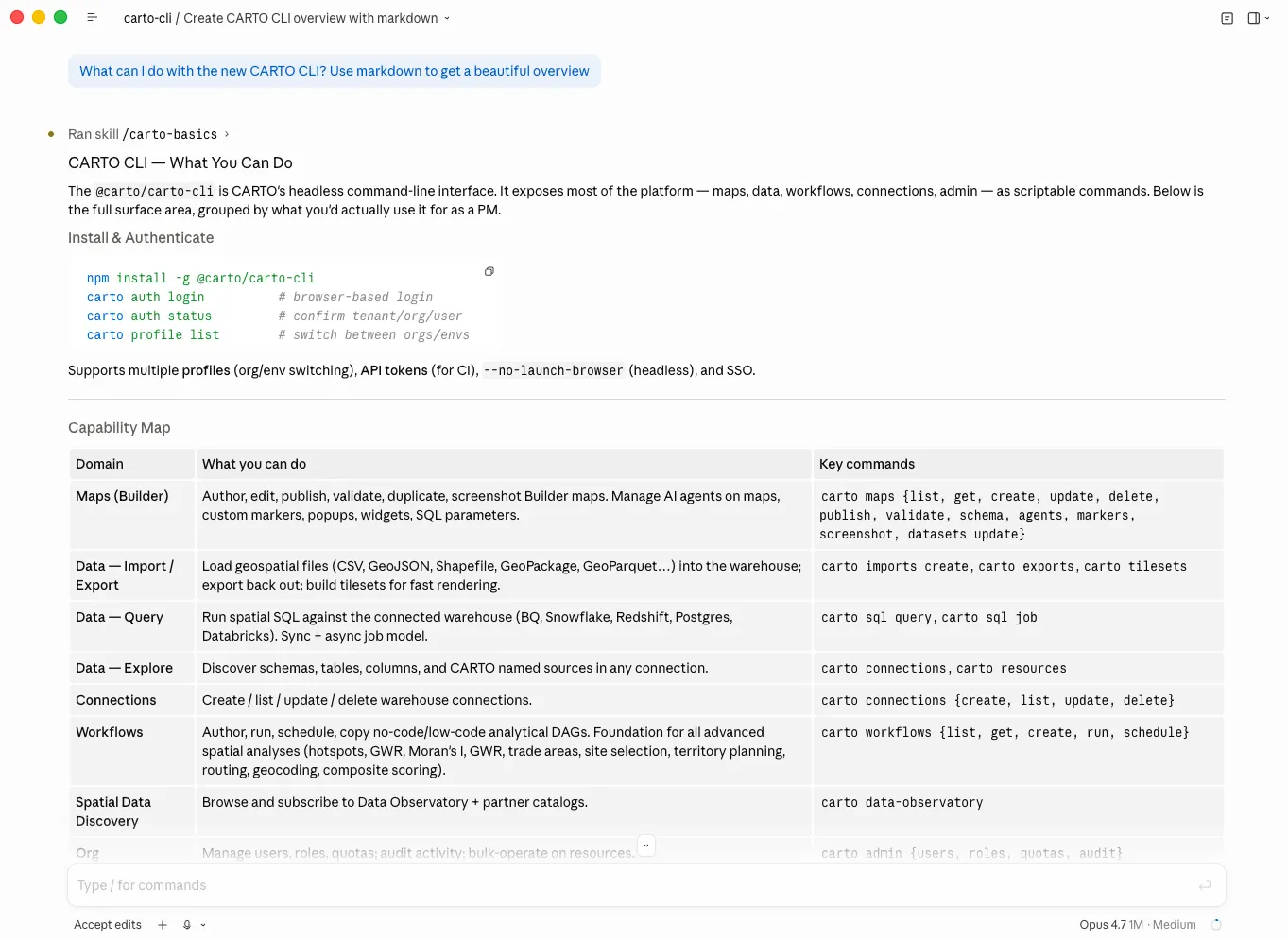
Together, these commands turn CARTO into a platform an agent can drive end-to-end: from connecting to a warehouse and importing data, to building and executing a workflow, to publishing the resulting map, to building a geospatial AI Agent, all without a UI in sight. The CLI is the surface that makes every other piece of CARTO for Agents possible, while keeping full traceability of everything that is done.
The CARTO CLI is available now via npm:
npm install -g @carto/carto-cli
CARTO Agent Skills: our playbook for turning AI Agents into your GIS assistants
The CARTO CLI gives agents hands. Skills give them judgment and expertise.
Today, we are thrilled to release CARTO Agent Skills, a set of instructions that teach AI Agents how to operate the CARTO platform: how to create and style stunning maps, build advanced spatial analysis workflows, develop spatial applications, connect to data warehouses, and more.
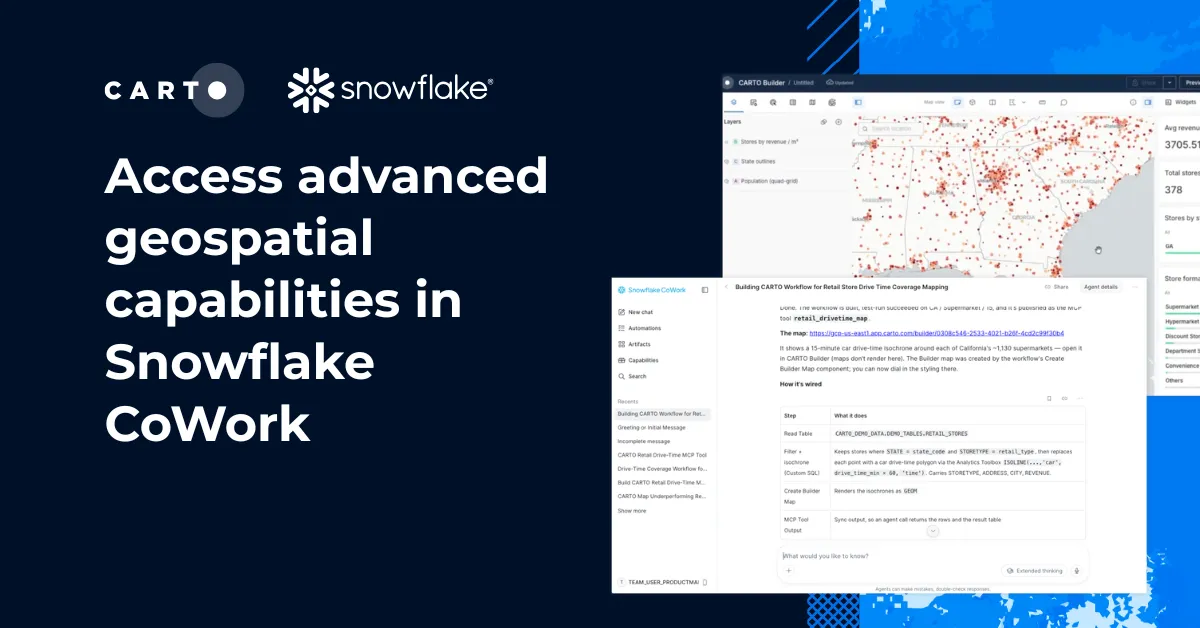
Our CARTO Agent Skills follow the Agent Skills open standard and are compatible with all major agentic platforms, including Claude, Codex, Gemini CLI, Copilot, Snowflake Cortex, and any agentic platform that can install standard SKILL.md skills.
When paired with the CARTO CLI and the CARTO MCP Server, Agent Skills give agents the context they need to reduce failures, avoid improvisation, and be more effective at producing performant queries, well-styled maps, and trustworthy analytical procedures. An agent without skills has to build all of its judgment in every prompt; an agent with skills inherits it. This matters most precisely where it is hardest to see: when the model is confident but wrong after executing a SQL query, writes the SQL in the wrong dialect, applies a styling that masks an outlier instead of surfacing it, and so on. Skills are how modern organizations and technology providers encode the best practices that prevent those failures in a format every AI agent can read.
Our 20+ Agent Skills are organized in three layers:
| Layer | Example skills | Purpose |
|---|---|---|
| Utility | carto-basics,carto-connect-datawarehouse,carto-query-datawarehouse,carto-explore-datawarehouse | First-time setup, data warehouse connections, dialect-aware spatial SQL, and warehouse exploration |
| Platform | carto-import-export-data,carto-create-workflow,carto-find-spatial-data,carto-manage-platform,carto-create-builder-maps,carto-develop-app | Use each major surface of the platform: data import, map creation, workflows, Data Observatory, organization management. |
| Use Case | carto-hotspot-analysis,carto-spatial-autocorrelation,carto-gwr,carto-spatial-enrichment,carto-trade-area-analysis,carto-site-selection,carto-territory-planning,carto-routing-od-analysis,carto-geocoding,carto-composite-scoring | End-to-end recipes for the spatial analyses your team runs most often, such as hotspots, autocorrelation, GWR, enrichment, trade areas, site selection, and more. |
Your agents stay sharp without getting slow. Skills load on demand; full instructions only pull when a task matches, so context windows stay lean and agents stay focused on their work. This is exactly how the CARTO Agent Skills are built: lightweight and agile.
CARTO Agent Skills are already available today and can be installed in a single command. Learn more about CARTO Agent Skills in our Documentation.
npx skills add CartoDB/agent-skills
CARTO MCP Server: trusted geospatial workflows and live map visualizations for AI Agents
CARTO MCP Server plays two distinct roles in CARTO for Agents: it delivers access to deterministic, enterprise-grade spatial analysis and data processing procedures to AI agents, and with the latest MCP Apps, it also brings in-conversation map visualizations directly into agentic platforms, giving agents the ability to surface geospatial context visually, in the flow of a conversation. This means your teams can have the peace of mind of building and accessing trustworthy geospatial tools in the agentic platforms they're already using.
Auditable analytical workflows as MCP Tools
While other platforms expect you to have agents generating their own queries on-the-fly over and over again for the same analysis; at CARTO, we understand that the Agentic Enterprise requires more control and traceability on how critical analysis procedures are executed, rather than with opaque and nondeterministic SQL.
Our CARTO MCP Server enables users to expose CARTO Workflows, from data preparation pipelines, spatial analysis routines, to ML-powered predictive models, as MCP Tools that any AI Agent can discover and call. The analysis runs inside your governed data warehouse (e.g., BigQuery, Snowflake, Redshift, Databricks, Oracle), with no data movement and your existing data access controls fully intact. And because every tool is backed by a CARTO Workflow, the logic is explicit, versioned, and auditable: enterprises get a traceable, deterministic way to deliver their most critical spatial procedures to AI Agents, rather than relying on the model to generate queries on-the-fly.
The result is an interface that meets the bar enterprise GIS teams already hold themselves to. The same workflow that runs in production for a human analyst is the workflow the agent invokes; the same governance, the same auditability, the same definition of "right answer".
Interactive maps where the conversation happens
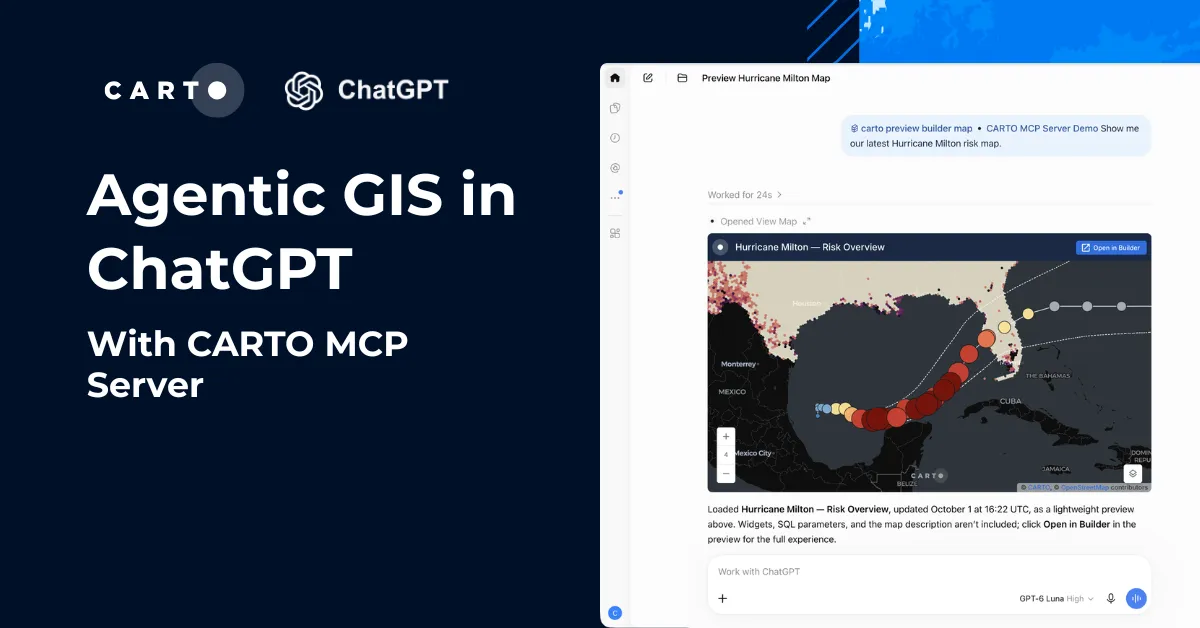
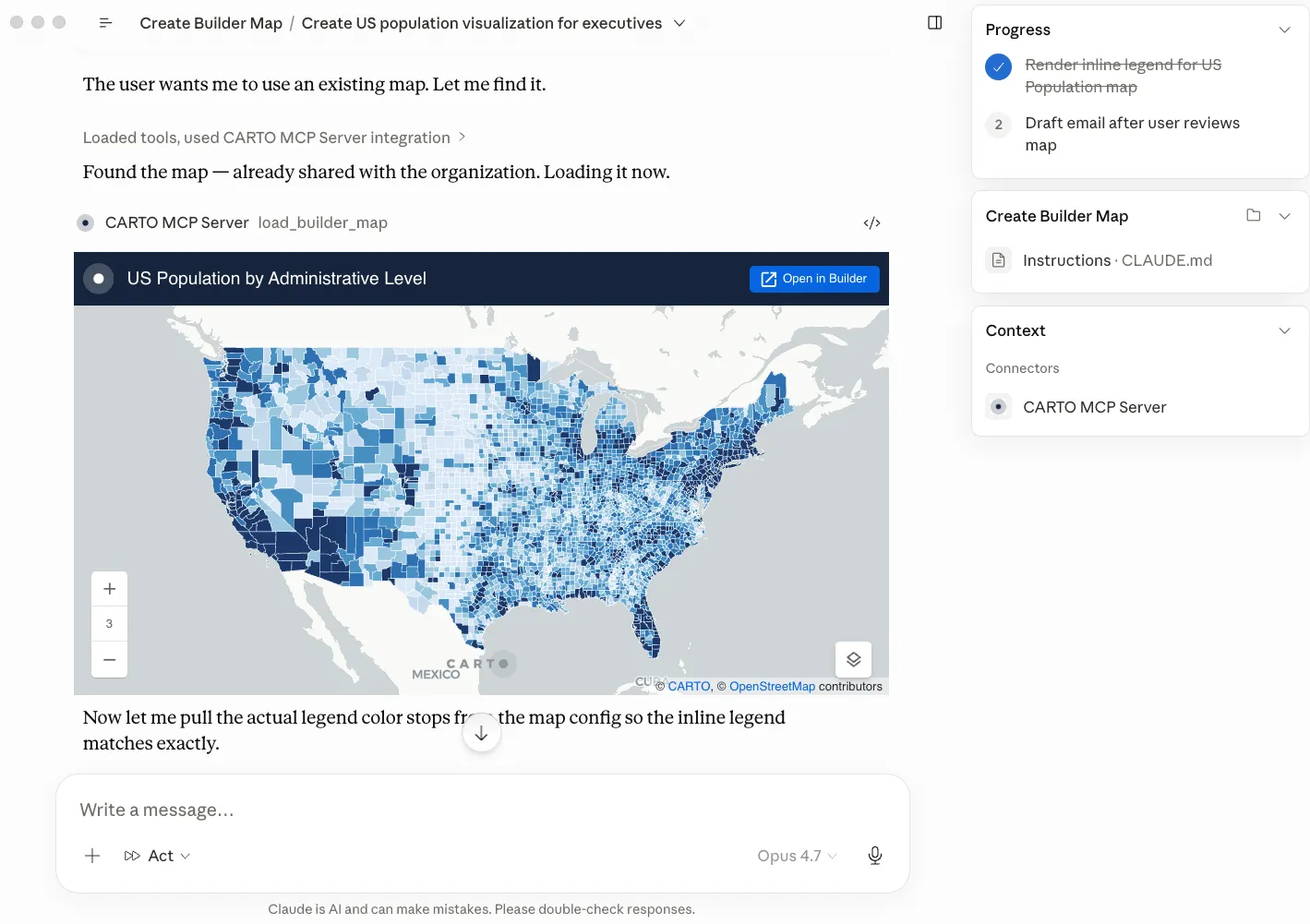
Our MCP Server takes it a step further and goes beyond analysis execution. With our CARTO MCP Apps, agents can now render fully interactive maps directly inside a conversation while keeping your data secured and untouched in your warehouse. Ask an agent to visualize a dataset or surface the results of an analysis. Instead of a text summary, you get a real map: zoomable, filterable, explorable, served as vector tiles so the visualization scales to millions of features, all without leaving the chat.
Now taking this further, paired with the CARTO CLI and Agent Skills, we have also released a second MCP App that unlocks the agentic creation of persisted, interactive dashboards in CARTO Builder.
This is what this looks like in practice:
- A user describes the map they want
- The agent uses Skills and the CLI to choose the right data, create the map layers, add interactions and widgets, etc.
- The agent iterates through conversation
- As a result, the agent builds a CARTO Builder map for you and your team to share and iterate at scale, all in minutes
From there, the same governance, collaboration, sharing, and publication capabilities that CARTO already offers apply: organization-level permissions, collaboration, embedding, public links, comments, version history, etc.
See it in action
Let's look at a couple of prompts and see how CARTO's CLI, Agent Skills, and MCP Server come together when an AI Agent is doing real work.
Computing a composite flood-risk and brownfield score for the Thames Valley
"Create a composite flood-risk and brownfield score for the Thames Valley H3 grid by sourcing flood-zone data from the Environment Agency spatial portal and joining it with the existing brownfield register"
In this example, following the carto-create-workflow and carto-create-builder-maps skills, the agent stages the Environment Agency flood-zones in BigQuery with carto import, inspects the inputs with carto connections describe and carto sql query, and pulls component schemas with carto workflows schema and carto workflows components to compose the scoring workflow. It then validates the workflow offline and against the warehouse (carto workflows validate + verify-remote), uploads it with carto workflows create, and ships a Builder map of the scored H3 grid with carto maps create. As a result, the agent creates a real workflow and Builder map, persisted, sharable and re-runnable by other users in the CARTO organization.
Creating an interactive map to analyze traffic accidents alongside the cycle route network in Bristol
"Create a Builder map showcasing traffic accidents in Bristol alongside the cycle route network for transport planners to prioritize road safety initiatives for next year's budget"
In this example, following the carto-create-builder-maps skill, the agent inspects the Bristol traffic accidents and cycle network tables with carto connections list and carto sql query, composes the Builder map bundle using the skill's JSON references, and audits styling against its cartography reference. It then validates offline with carto maps validate, ships the first version with carto maps create, and iterates with carto maps update --publish, calling the MCP Server's load_builder_map tool after every save to render the map inline in the conversation. As a result, the agent creates a published Builder map for Bristol's transport planners, previewed live in chat at every step.
Deploying Agentic GIS at scale requires Observability
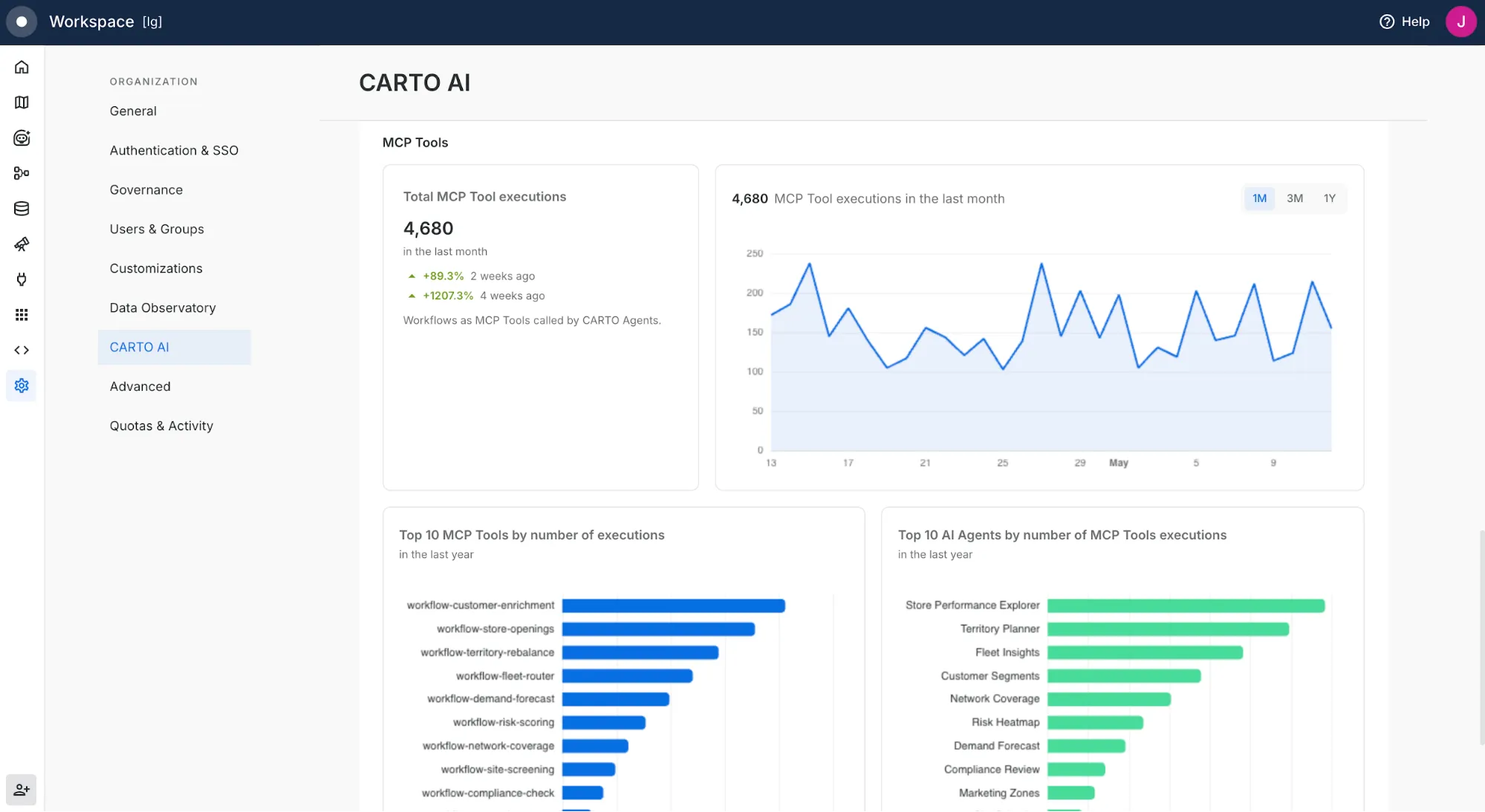
When agents multiply, observability matters. Across CARTO AI Agents, Claude, ChatGPT, Gemini, and any agent operating through the CLI, you need to know what is running, who is behind it, and what it is consuming.
To answer these questions, we're introducing a new CARTO AI Analytics dashboard for CARTO Admins, available in the CARTO Workspace Settings in the CARTO AI section. This dashboard now offers three comprehensive views for activity from CARTO AI Agents, activity from external coding agents through the CLI and MCP Server, and a unified roll-up across both. Beyond the dashboard, every action an AI Agent takes against CARTO is structured, logged, and attributable through the existing Activity Data logs, so you get the same observability your team already requires for human users, now applied to every agent that calls CARTO.
Get started today
The shift from GIS to AI agents isn't on the horizon; it's already underway, and it's moving fast. The organizations that will lead the next decade of geospatial work are the ones that bring humans and AI Agents on the same platform, working from the same data, the same governance, and the same understanding of what a good answer looks like.
At CARTO, we want to meet you wherever you choose to work. Whether you collaborate with colleagues using our graphical user interface or work autonomously with the assistance of an AI Agent. And for those working in that second world, you can now enter: CARTO for Agents.
Ready to explore? Install the CARTO CLI, add the CARTO Agent Skills, and connect your AI Agent of choice to the CARTO MCP Server to turn Claude, ChatGPT, Gemini, Codex, Copilot, Snowflake Cortex or any of the major agentic platforms into a powerful geospatial expert. Check our documentation to get started, or reach out to us to request a demo.
Frequently Asked Questions
What is CARTO for Agents?
CARTO for Agents is CARTO’s platform for the Agentic Enterprise, built on three components: an extended CARTO CLI that gives agents a programmatic interface to every platform capability, CARTO Agent Skills that teach agents how to operate CARTO, and a richer CARTO MCP Server that exposes spatial workflows as tools and renders interactive maps in-conversation. It works with Claude, OpenAI Codex, Gemini CLI, Microsoft Copilot, and other leading agentic platforms.
What can the CARTO CLI do for AI agents?
The CARTO CLI gives agents commands to connect to and query a data warehouse, author and publish CARTO Builder maps, build and schedule CARTO Workflows, discover and subscribe to Data Observatory datasets, manage API tokens and OAuth clients, and query organization activity data, all without a graphical interface.
What are CARTO Agent Skills?
CARTO Agent Skills are a set of over 20 instructions, following the open Agent Skills standard, that teach AI Agents how to operate the CARTO platform: creating and styling maps, building spatial analysis workflows, developing spatial applications, and connecting to data warehouses. They are organized into Utility, Platform, and Use Case layers, and load on demand so agents stay fast and focused.
Does CARTO for Agents move customer data out of the data warehouse?
No. Every action, whether querying data, running a CARTO Workflow, or publishing a map, executes inside the customer’s own governed data warehouse (BigQuery, Snowflake, Redshift, Databricks, or Oracle), with existing access controls fully intact and every agent action logged and attributable through CARTO’s Activity Data.