CARTO for Agents
Geospatial Analytics for Claude
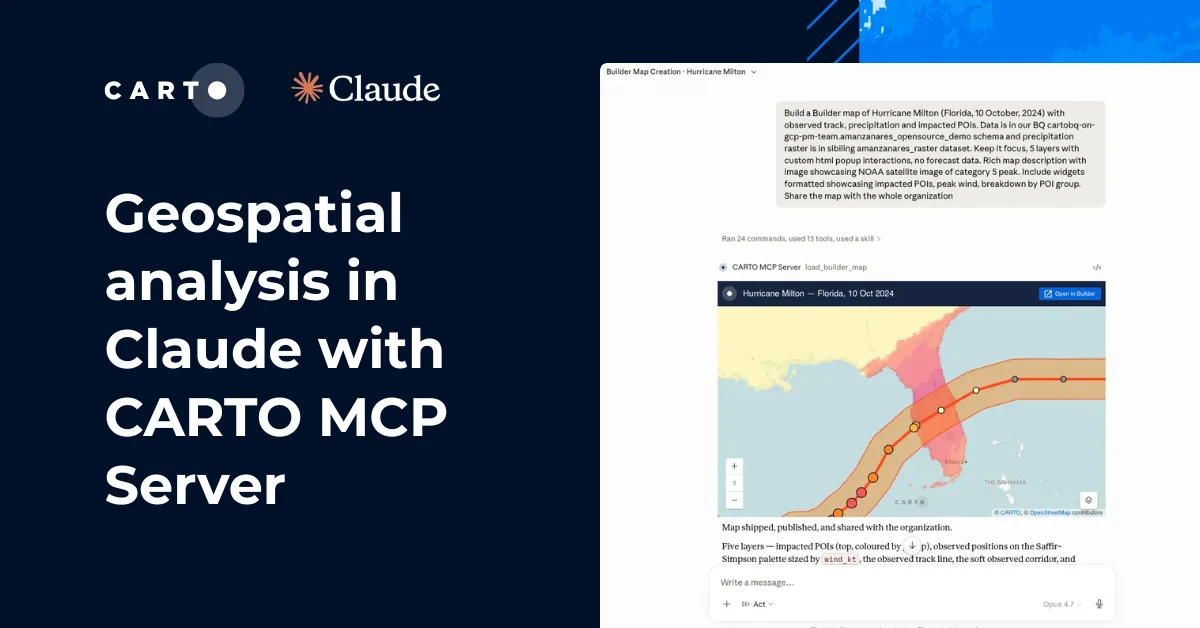
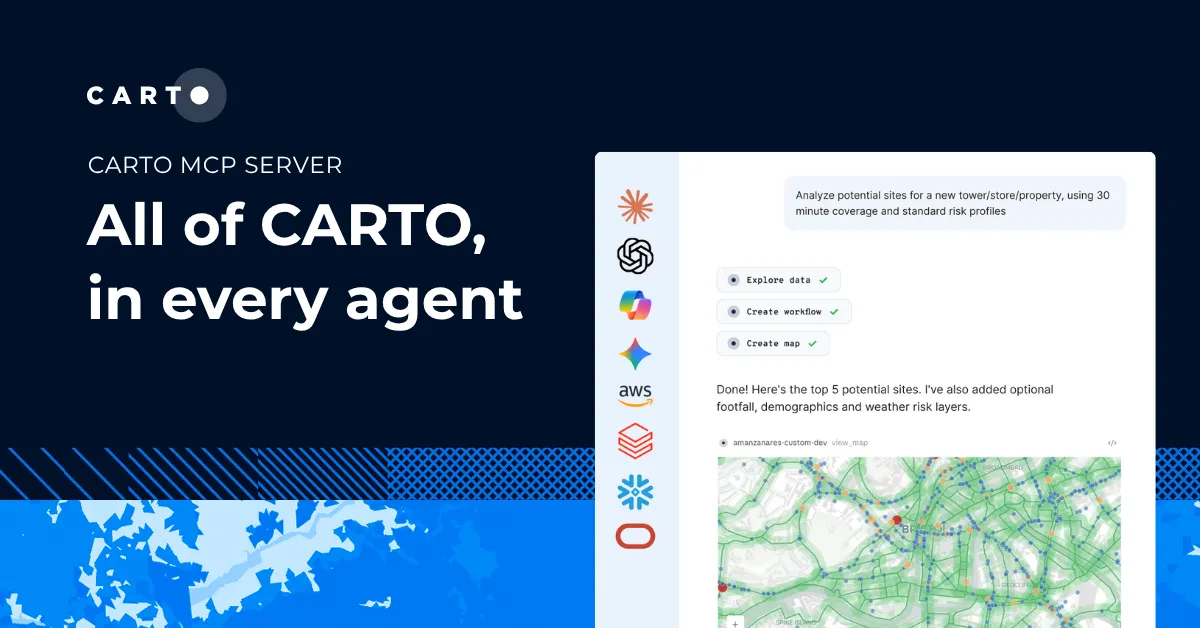
Connect the CARTO MCP Server to Claude, and it can build maps & apps, run your spatial workflows, and query your warehouse, all inside the conversation.
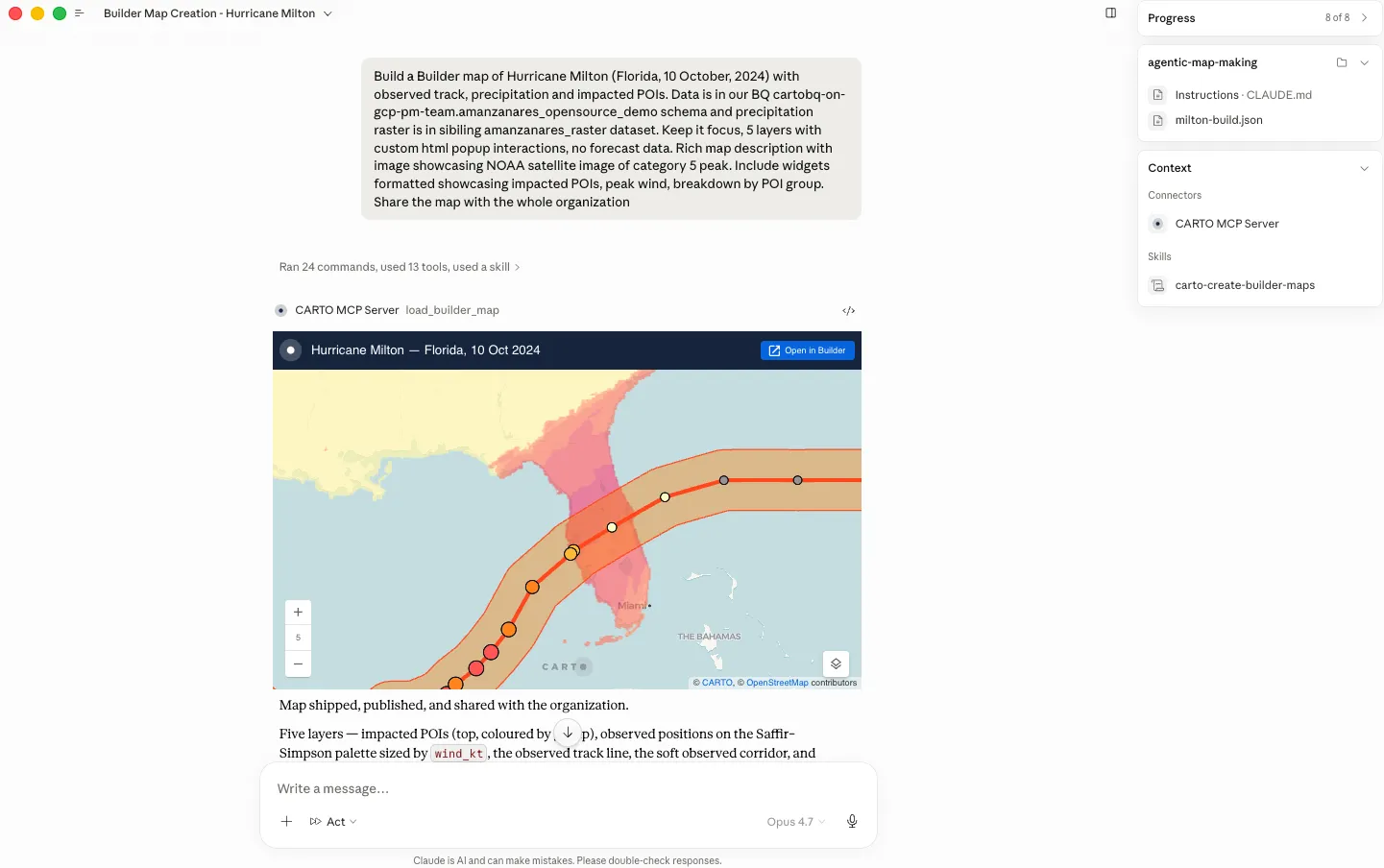

Cloud-native GIS from inside your Claude chat
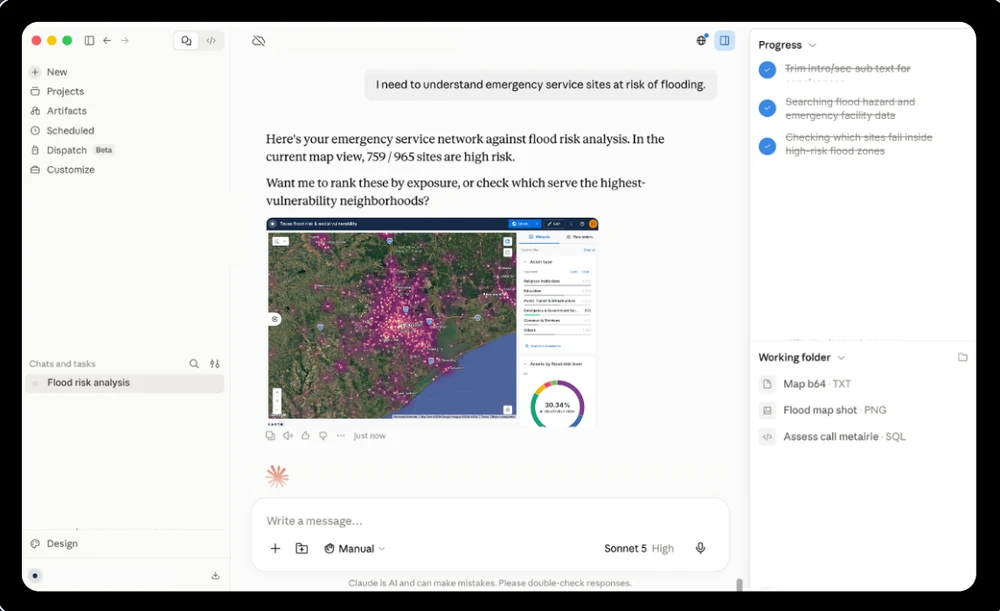

Build maps and workflows, faster than ever
Ask for a map or workflow in plain language, and refine it turn by turn, no coding, no separate tool. The agent calls CARTO directly and the result takes shape in the conversation.

Serve your analysis on-demand to your team
Open up your analysis to anyone on your team. Ask Claude a spatial question in plain language and get back a real map.

Answers you can trust
A chatbot writing a new query on every request gives a different answer each run. CARTO for Agents builds and runs approved, reusable and auditable workflows.
Ask in plain language, get an instant answer
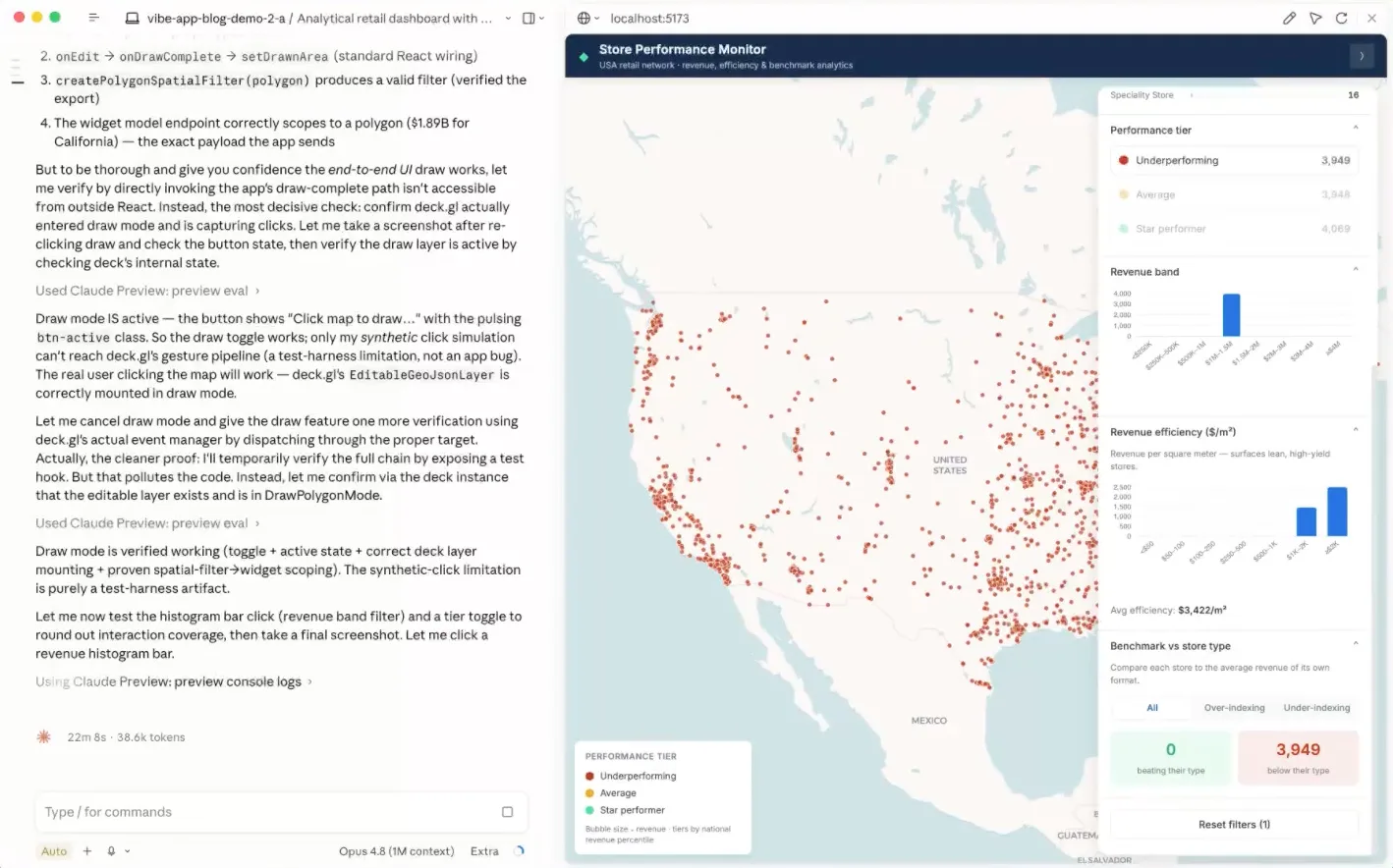
Ship it with Claude Code
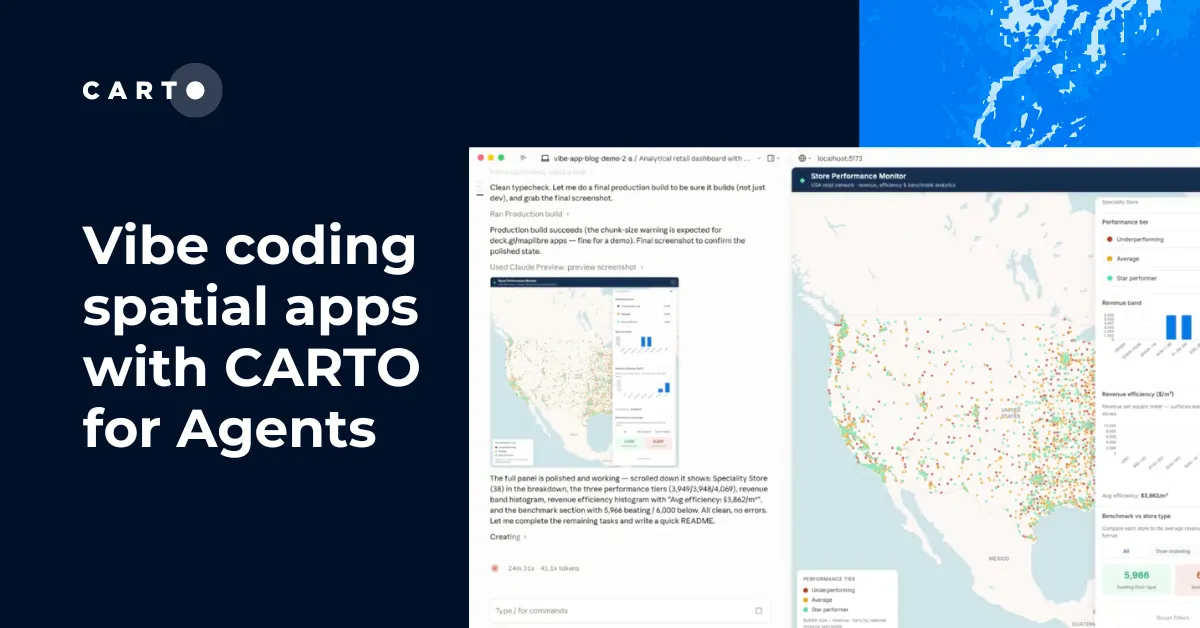
Building a spatial app from scratch can mean backend setup, data wiring, and boilerplate before the real work starts. Pair Claude Code with the CARTO CLI and Agent Skills to scaffold a working CARTO + deck.gl app, map, or workflow from a single prompt, ready to run in your own environment.
Frequently asked questions
Claude can sketch a quick map from data pasted into the chat, but that's working with whatever fits in the conversation. CARTO connects Claude to your actual data warehouse, so it can query billions of rows, run real spatial analysis (joins, buffers, isochrones, and 200+ other functions), and publish the result as a live, governed map your team keeps using, not a one-off chat visual.
Only what your CARTO permissions already allow. Claude connects through CARTO's governed connections, so it's bound by your existing roles and row-level security, the same as any other CARTO user. Data is queried in place, never copied out or stored by CARTO or Claude, and every action is logged like any other CARTO activity.
Both. Claude.ai and Claude Desktop connect through the CARTO MCP Server; Claude Code can also use the CARTO CLI and Agent Skills.
Connecting the CARTO MCP Server is free to set up with a CARTO account (start your free 30-day trial here); request a demo to see it in action!
Related content