CARTO for Agents
Geospatial Analytics for Databricks
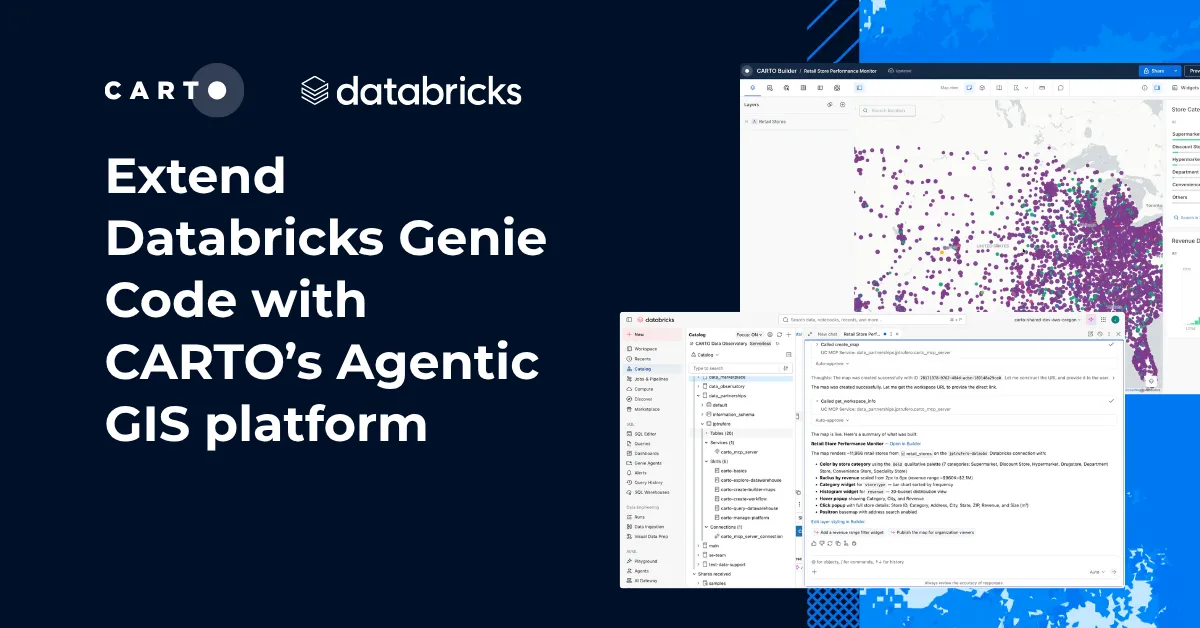
Connect CARTO to Databricks Genie Code to build maps, run spatial Workflows, and analyze your Unity Catalog data, without leaving Databricks.

Cloud-native GIS from inside Databricks
Learn more about CARTO for Databricks.
Build maps and Workflows, faster than ever
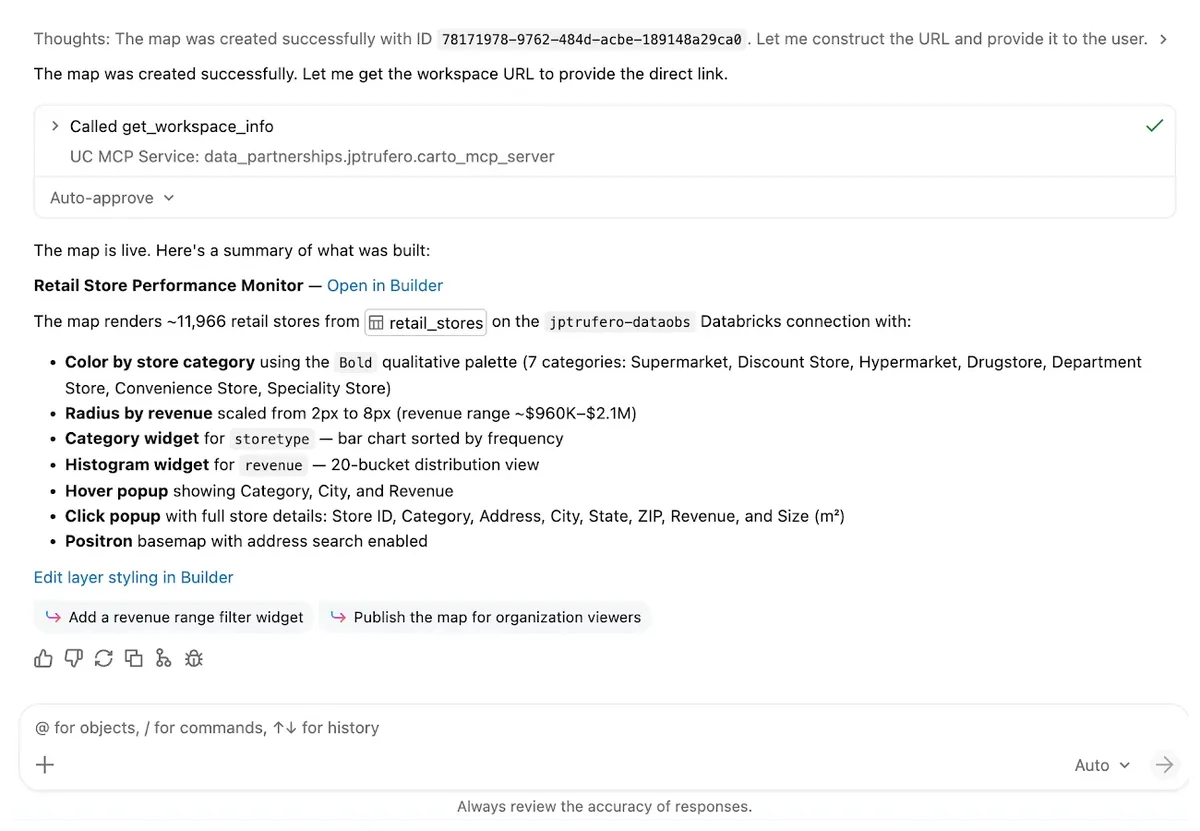
Ask Genie Code for a map or Workflow in plain language, and refine it turn by turn. The agent calls CARTO directly and hands back a link to the result in CARTO Builder.
Serve your analysis on-demand to your team
Publish a Workflow once as a tool, and anyone in Genie Code can run it by asking a spatial question in plain language, without knowing the tables or parameters behind it.
Answers you can trust
A chatbot writing new SQL on every request gives a different answer each run. CARTO Workflows compile to native Databricks workflows that are approved, reusable, and auditable.
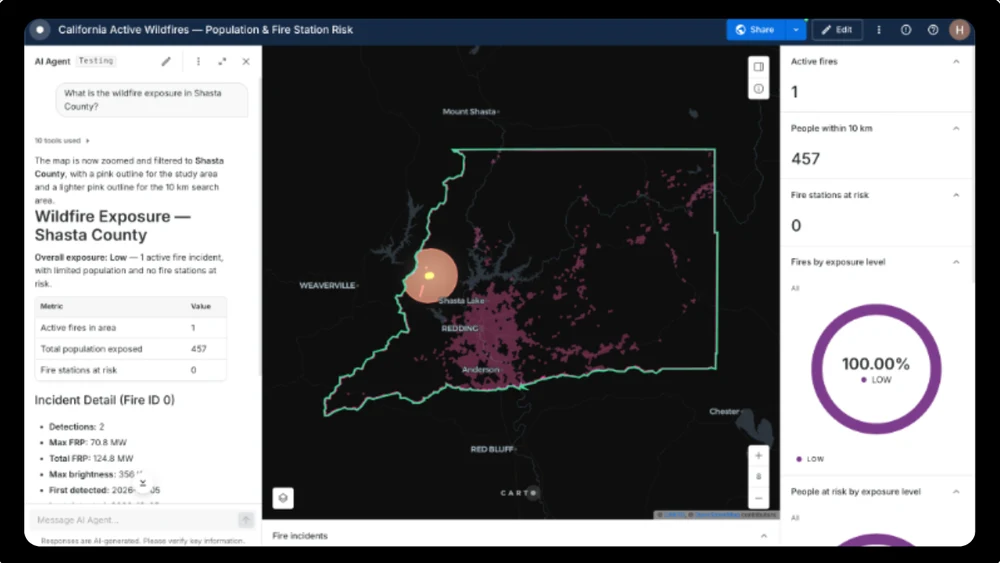
Ask in plain language, get a governed answer
Set up in the Databricks UI
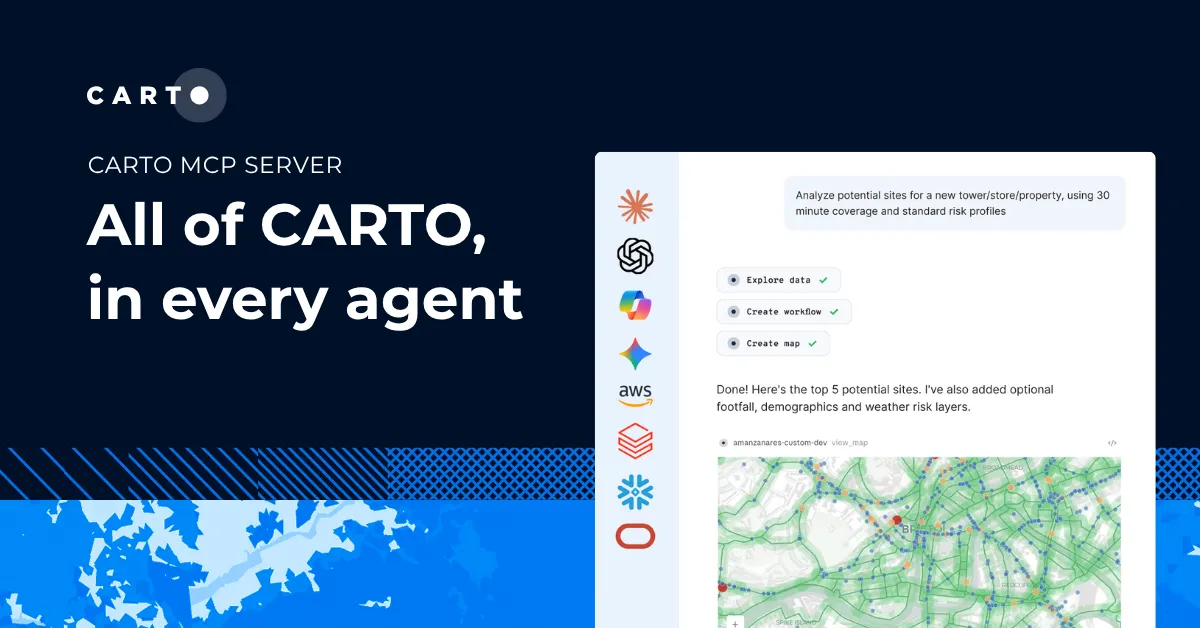
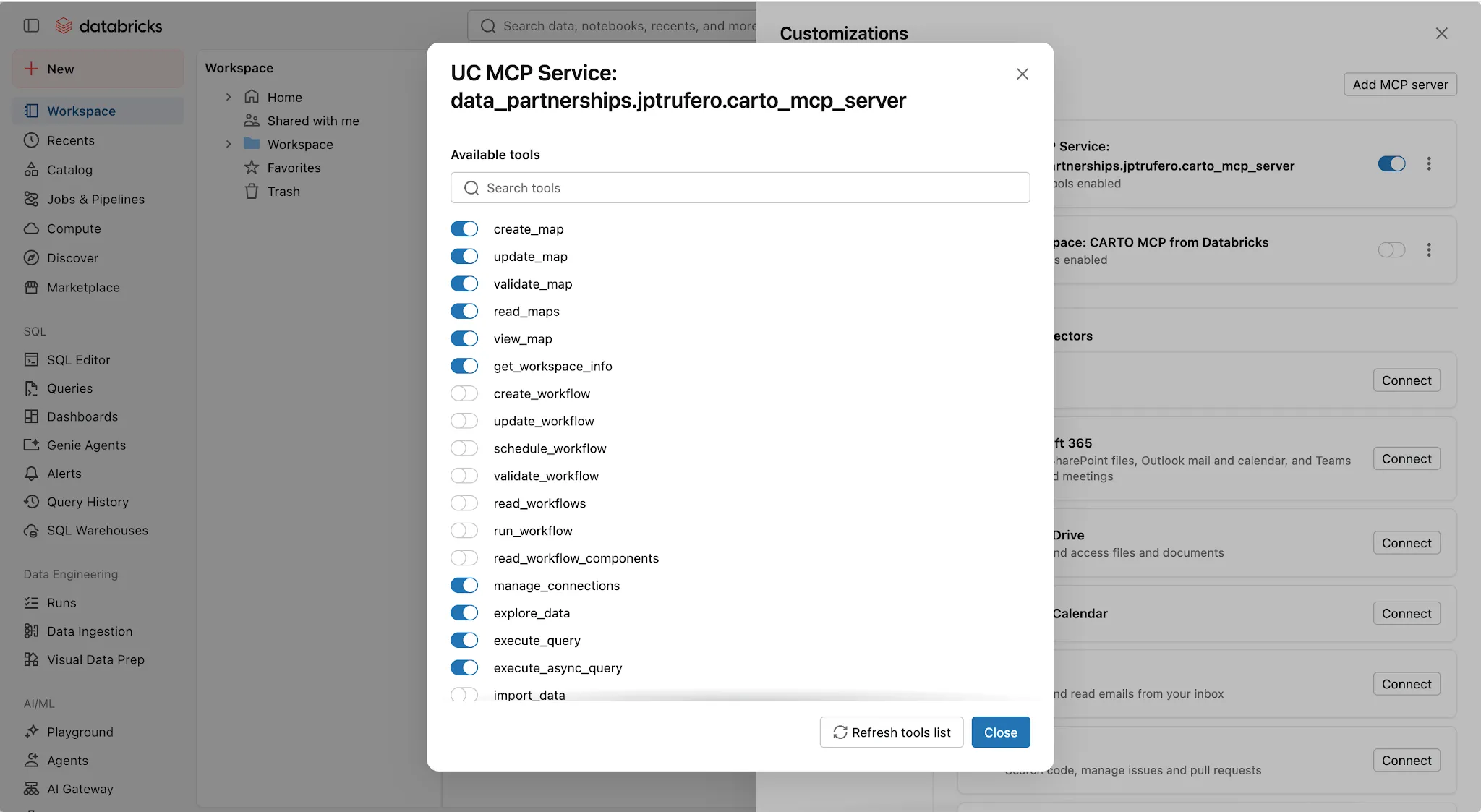
Register the CARTO MCP Server as an MCP service in AI Gateway, choose which tools to load, and add the CARTO Agent Skills to your workspace. The tools give Genie Code access to CARTO, and the skills show it how to use them well. With OAuth, each person then signs in once with their own CARTO account. The Databricks setup guide walks through each step.
Frequently asked questions
Databricks gives you spatial data types, spatial SQL functions, and basic maps in AI/BI dashboards. CARTO adds advanced spatial analysis on top of this, from routing and isolines to hotspot and regression analysis. You can also build reusable Workflows, live maps that scale to millions of features, and spatial apps on your Unity Catalog data.
Only what your permissions already allow. With OAuth, calls arrive in CARTO as the signed-in user, carrying their token, so the roles, permissions, and row-level controls they already have apply on both sides. The SQL runs in your own Databricks compute against Unity Catalog tables, with nothing copied out, and every action is logged in CARTO Activity Data.
No. Genie Code builds the map in CARTO and gives you a link that opens in CARTO Builder, ready to refine, share, or publish.
A Unity Catalog workspace in a region that supports Model Serving, and either a CARTO OAuth client for the full set of tools or a CARTO API access token for browsing and querying. You register the CARTO MCP Server under AI Gateway > MCPs, load its tools, add the CARTO Agent Skills to a Skills folder in your workspace, and enable both under Genie Code's Customizations. The Databricks setup guide walks through each step.
Connecting the CARTO MCP Server is free with a CARTO account. Start a free 30-day trial, or request a demo to see it in action.
Related content