CARTO for Agents
Geospatial Analytics for Gemini Enterprise
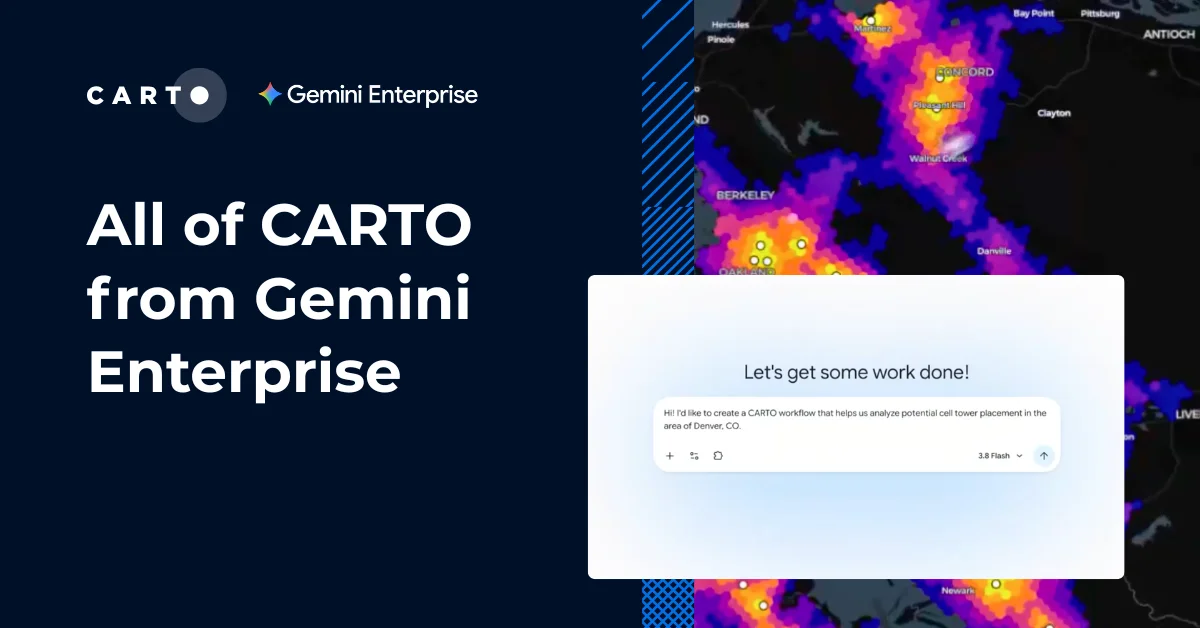
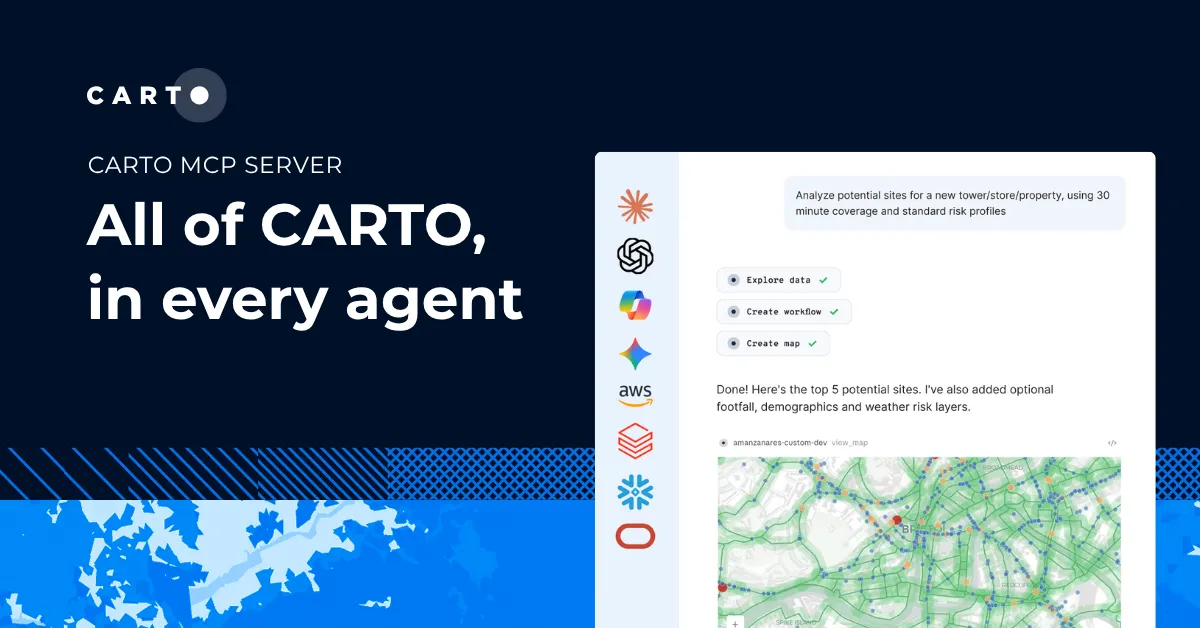
Connect CARTO to Gemini Enterprise, and your agents can build maps, run your spatial Workflows, and query your BigQuery data, all without leaving Google Cloud.
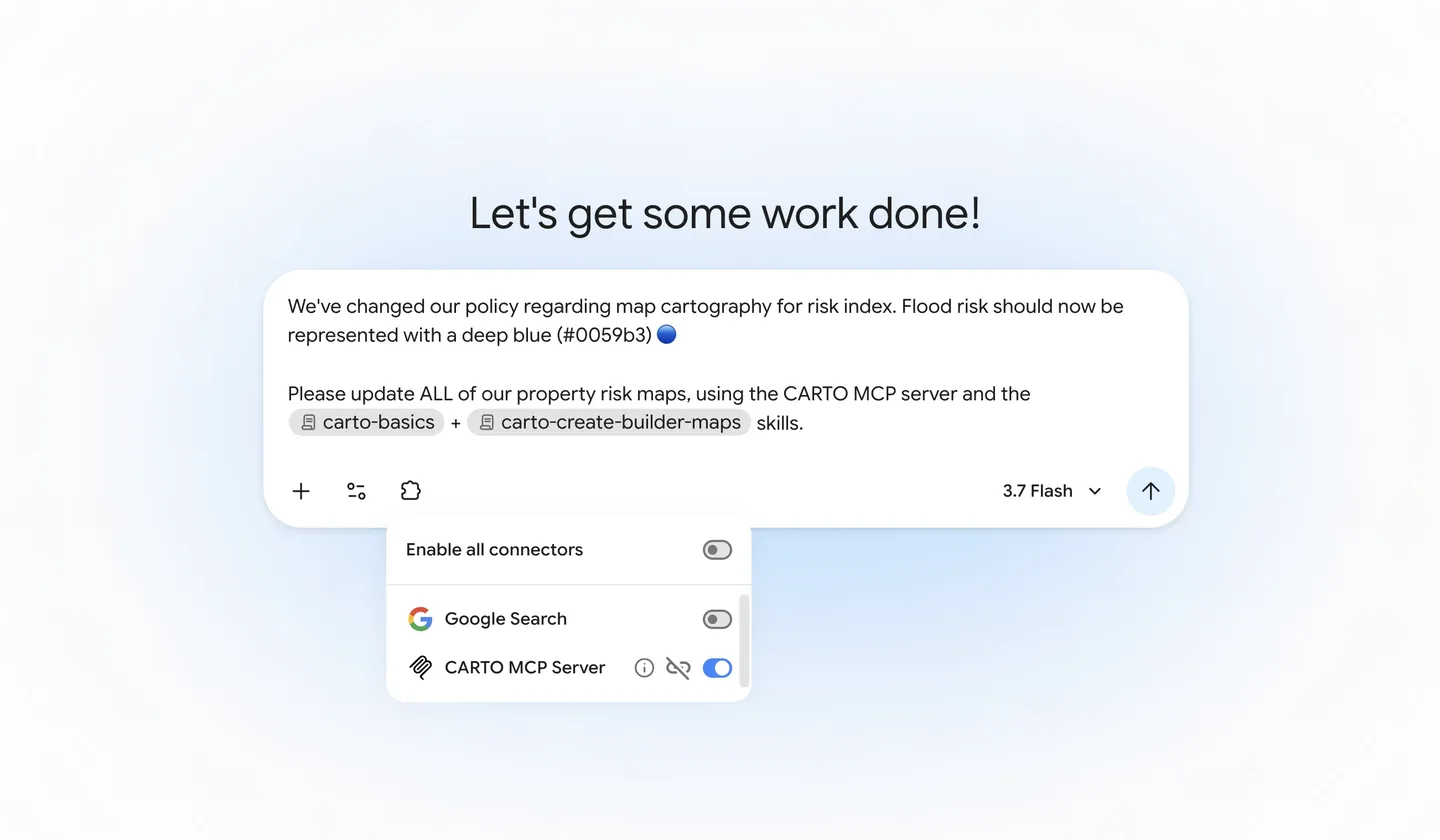

Cloud-native GIS from inside Gemini Enterprise
Learn more about Agentic GIS for BigQuery.
Build maps and Workflows, faster than ever
Ask for a map or Workflow in plain language, and refine it turn by turn, no coding, no separate tool. The agent calls CARTO directly and hands back a link to the live result.
Serve your analysis on demand to your team
Open up your analysis to everyone on Gemini Enterprise. Ask a spatial question in plain language and get back an answer – and a live, shareable map.
Answers you can trust
A chatbot writing a new query on every request gives a different answer each run. CARTO for Agents lets you build and run approved, reusable, and auditable Workflows.
AI-driven answers, governed by design
Every answer comes from a Workflow your team approved, not SQL written on the fly. CARTO for Agents lets you run reusable, auditable Workflows in your warehouse, under each person's own roles and permissions. Your admins choose which CARTO tools Gemini Enterprise can call, and every action is logged in CARTO.
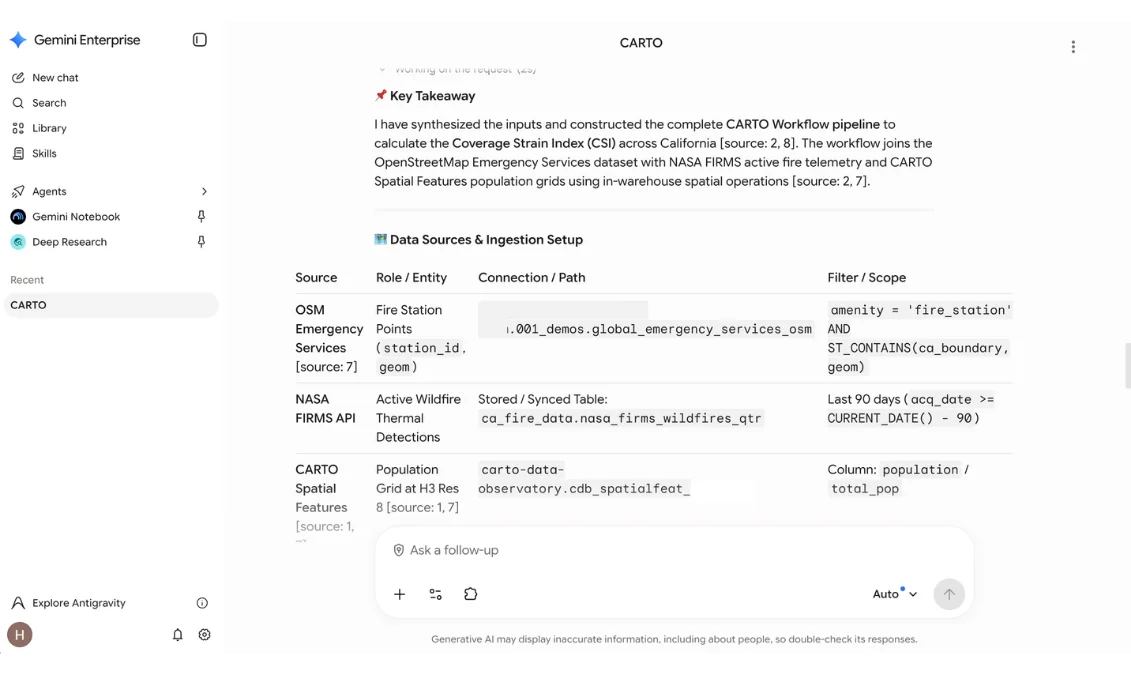
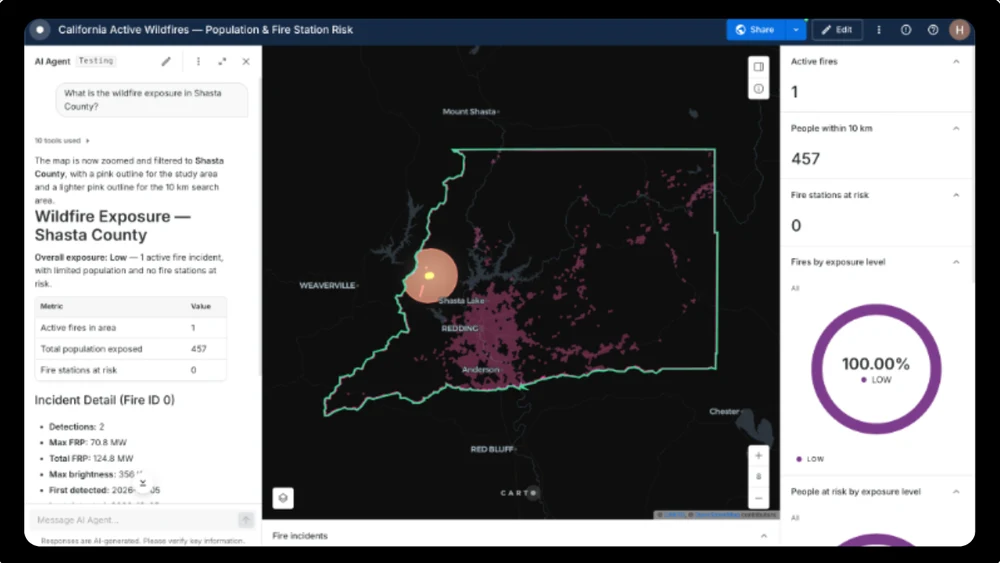
Ask in plain language, get a defensible answer
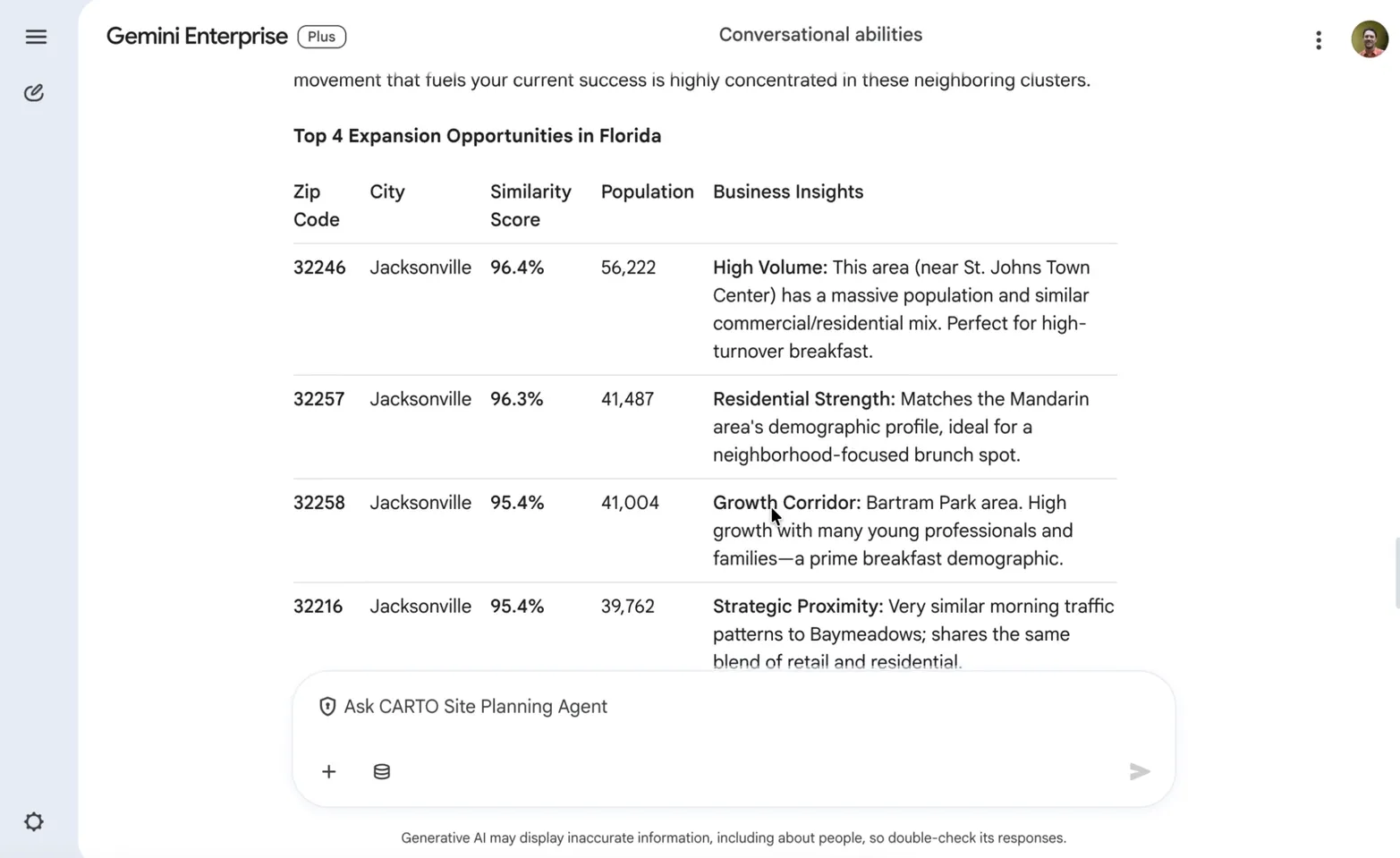
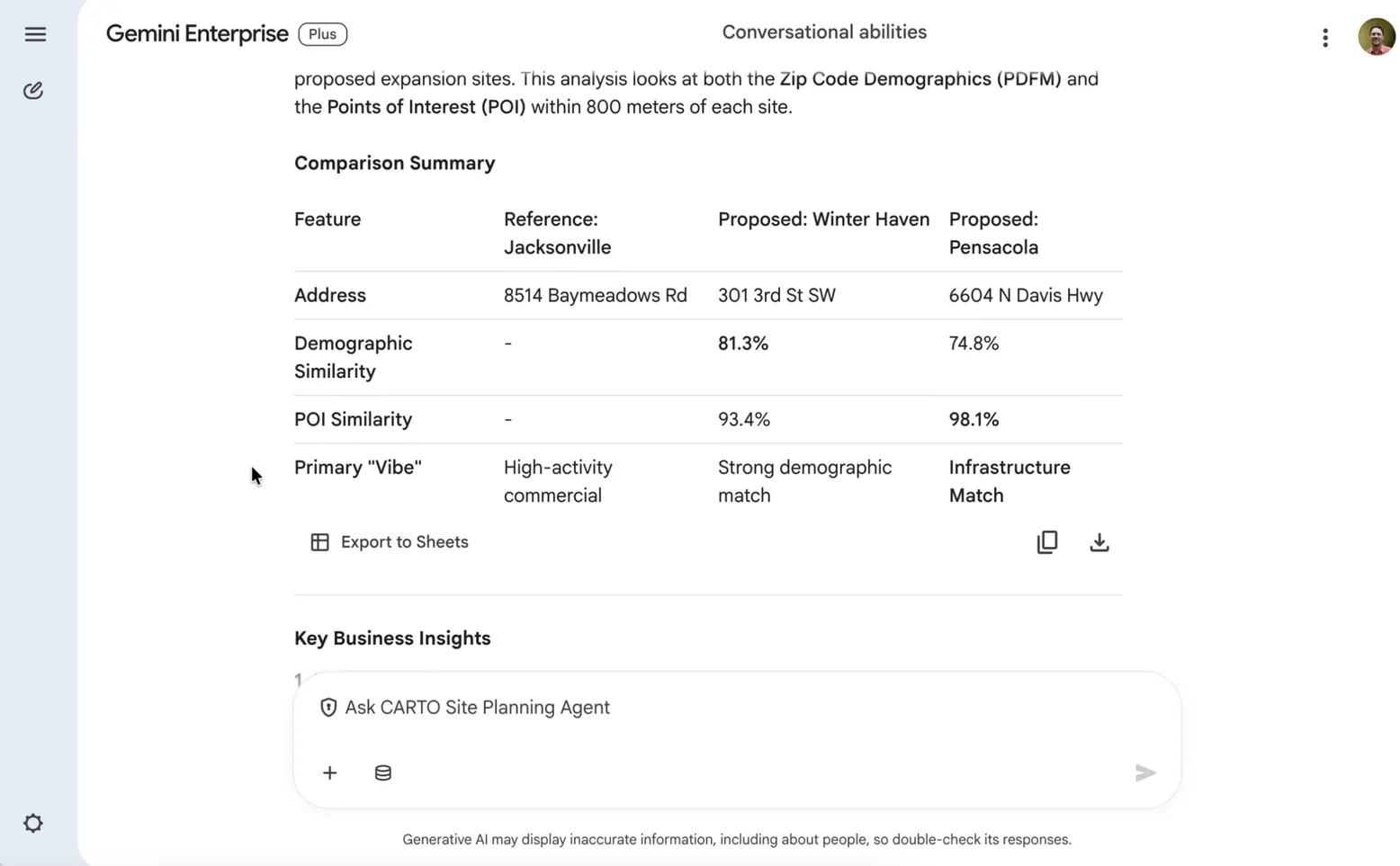
Ready-made in the Agent Gallery
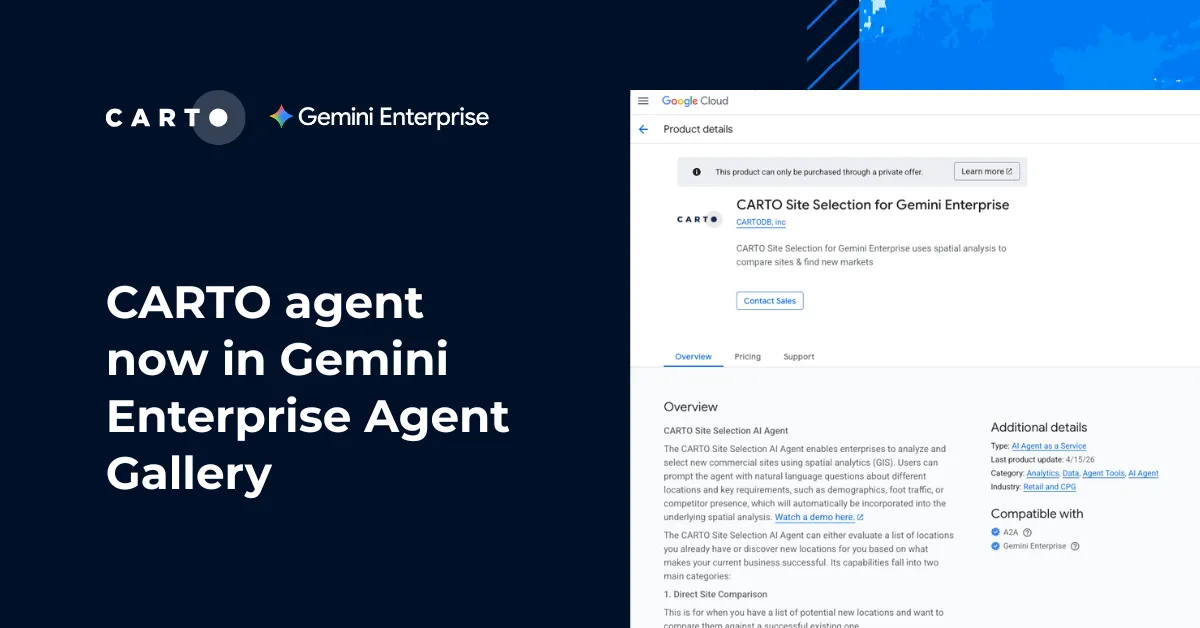
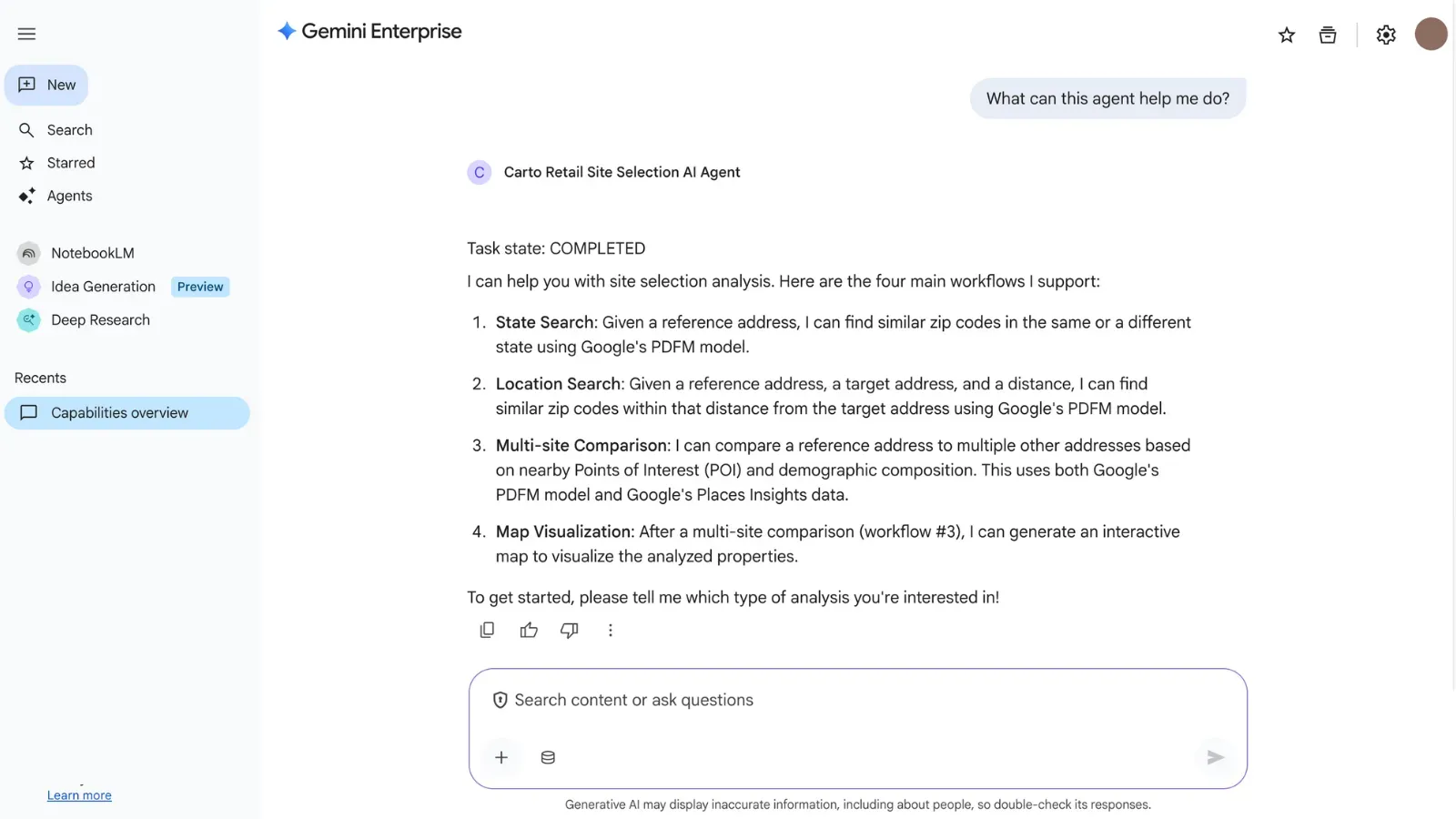
Not every team needs to build its own spatial agent. Add CARTO's Site Selection AI Agent from the Gemini Enterprise Agent Gallery, and anyone can find similar zip codes, compare candidate sites, and open an interactive map of the result, all built on Google's Population Dynamics Insights and Places Insights in BigQuery.
Frequently asked questions
Gemini Enterprise puts AI agents in front of your whole team on Google Cloud. CARTO lets you add advanced spatial analytics to your AI workflows, natively in BigQuery, with hundreds of spatial analysis functions, from routing and isolines to hotspot and regression analysis. You can build visual Workflows, publish them as reusable tools that agents and colleagues can run, develop custom spatial apps, and share live, governed maps your team keeps using, not a one-off chat answer.
CARTO's Site Selection AI Agent is also ready-made in the Gemini Enterprise Agent Gallery, so spatial problems get solved end to end without leaving Google Cloud.
Only what your permissions already allow. Every call from Gemini Enterprise arrives in CARTO as the authenticated user and runs in your connected data warehouse under that user's existing roles, permissions, and row-level security. Data is queried in place, with nothing extracted, and every action is logged in Activity Data along with the platform it came from.
Gemini Enterprise doesn't render maps inline yet. The agent builds the map in CARTO and returns a CARTO Builder link, so anyone on your team you share it with can open it.
A Gemini Enterprise license, a Google Cloud project, and a CARTO account. You register the CARTO MCP Server as a data store in Google Cloud and link it to your Gemini Enterprise app. The setup guide walks through each step.
Connecting the CARTO MCP Server is free with a CARTO account. Start a free 30-day trial, or request a demo.
Related content