CARTO for Agents
Geospatial Analytics for Snowflake
Connect CARTO to Snowflake's agents, and they can build maps and apps, run your spatial Workflows, and query your Snowflake data, all without leaving Snowflake.

Cloud-native GIS from inside Snowflake

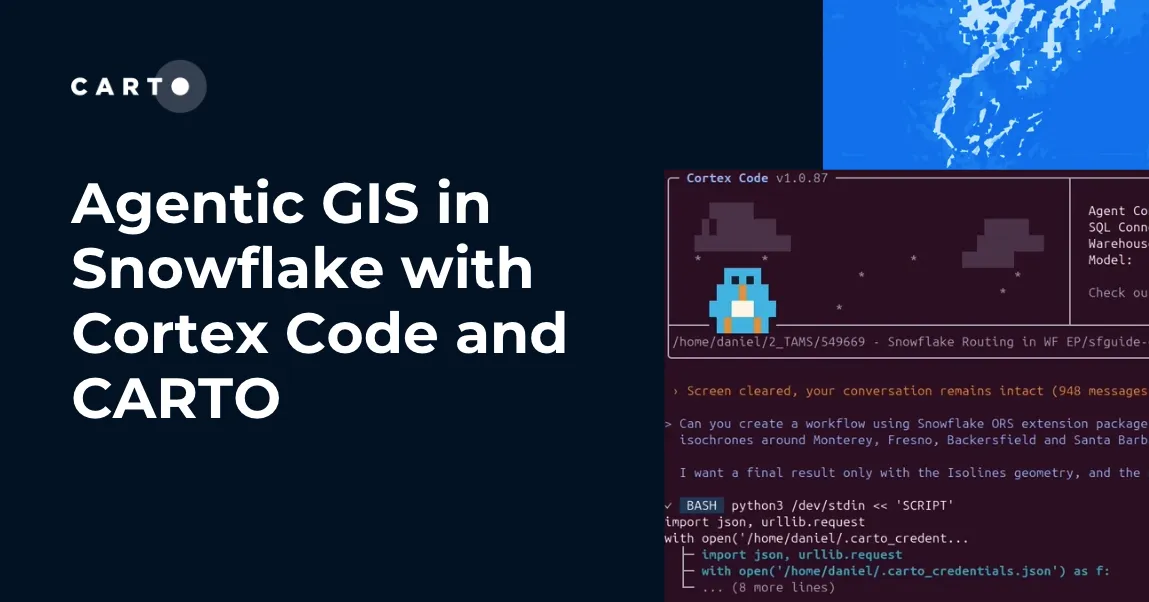
Cortex Code
Snowflake's coding agent builds CARTO maps, Workflows, and spatial apps from a prompt, on your Snowflake data.

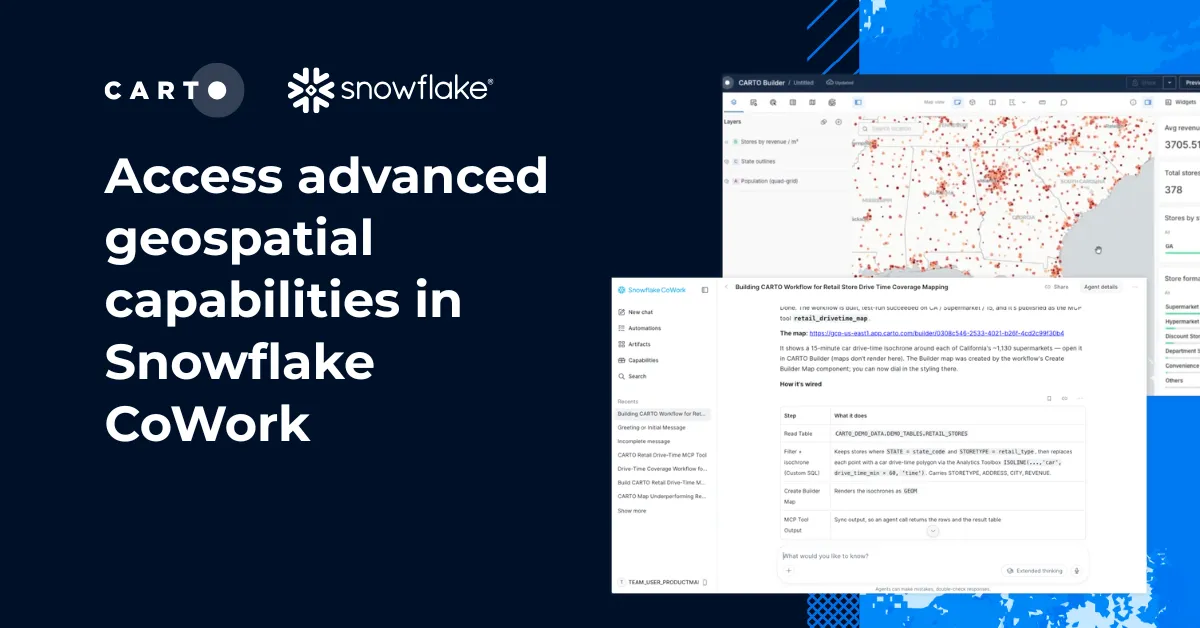
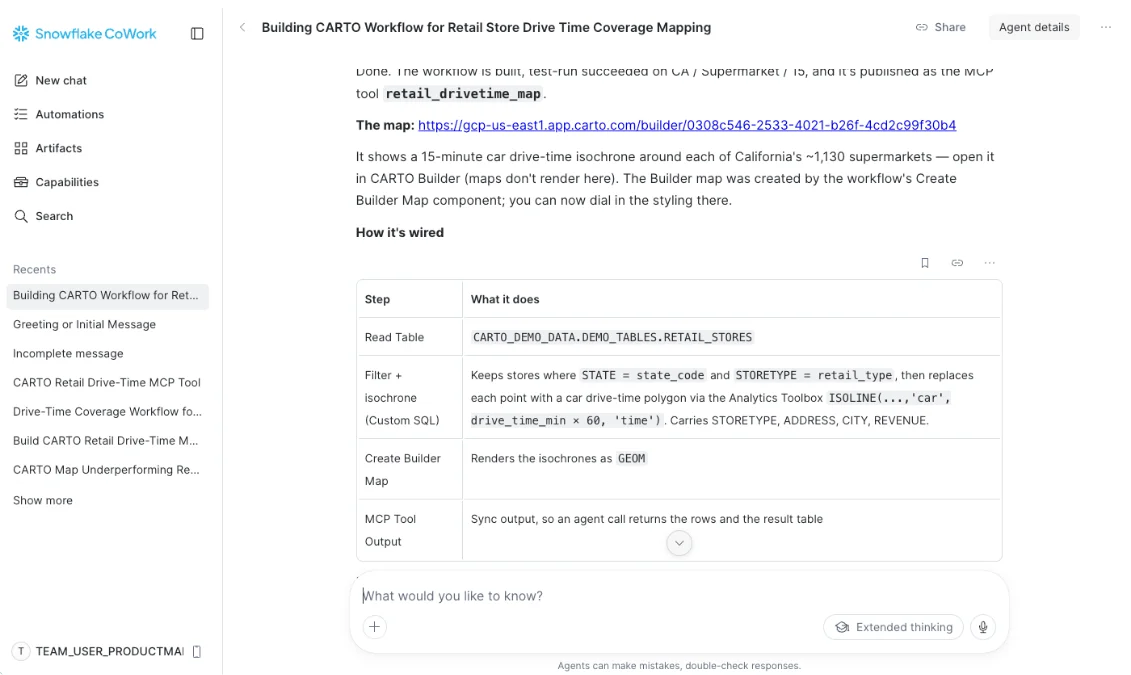
Snowflake CoWork
Anyone in CoWork can ask a spatial question in plain language, and the agent runs the CARTO tools your team has approved.

Cortex AI
Power CARTO's AI Agents with the Snowflake-managed models you already trust, so the models and the data stay in Snowflake.
Answers you can trust
A chatbot writing new SQL on every request gives a different answer each run. CARTO for Agents runs approved, reusable, and auditable Workflows, inside Snowflake, under each person's own roles and permissions.
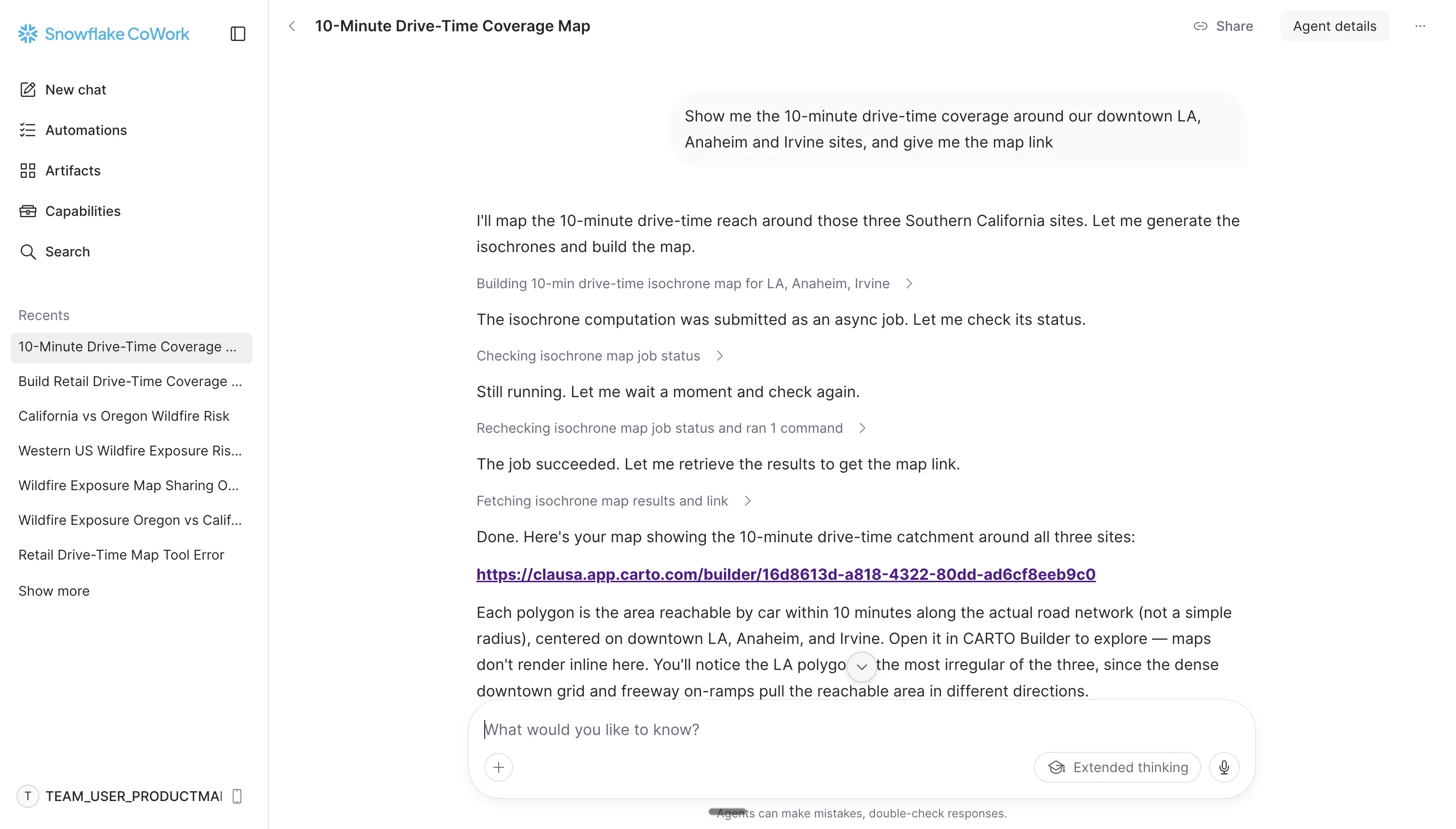
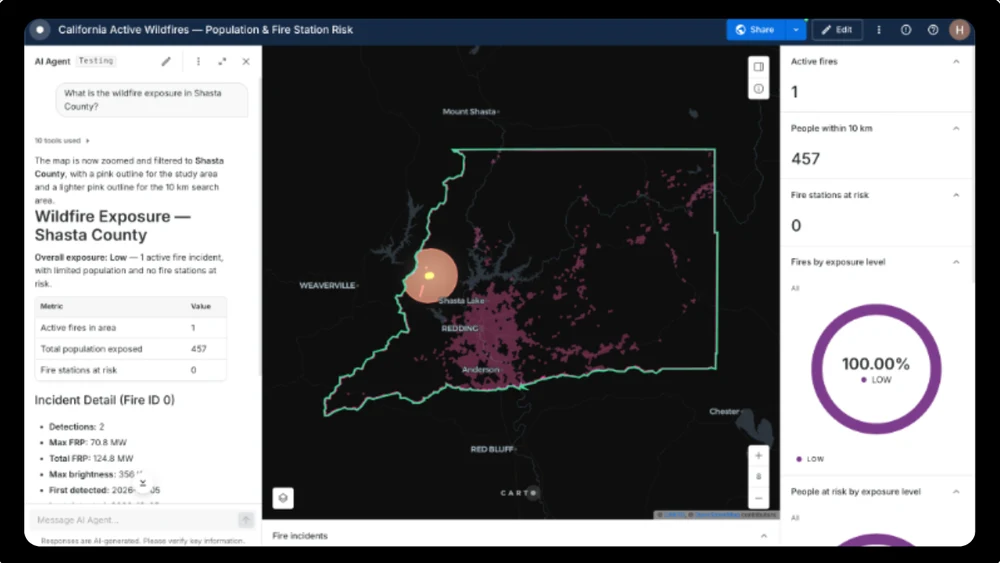
Ask in plain language, get a governed answer
Ship it with Cortex Code
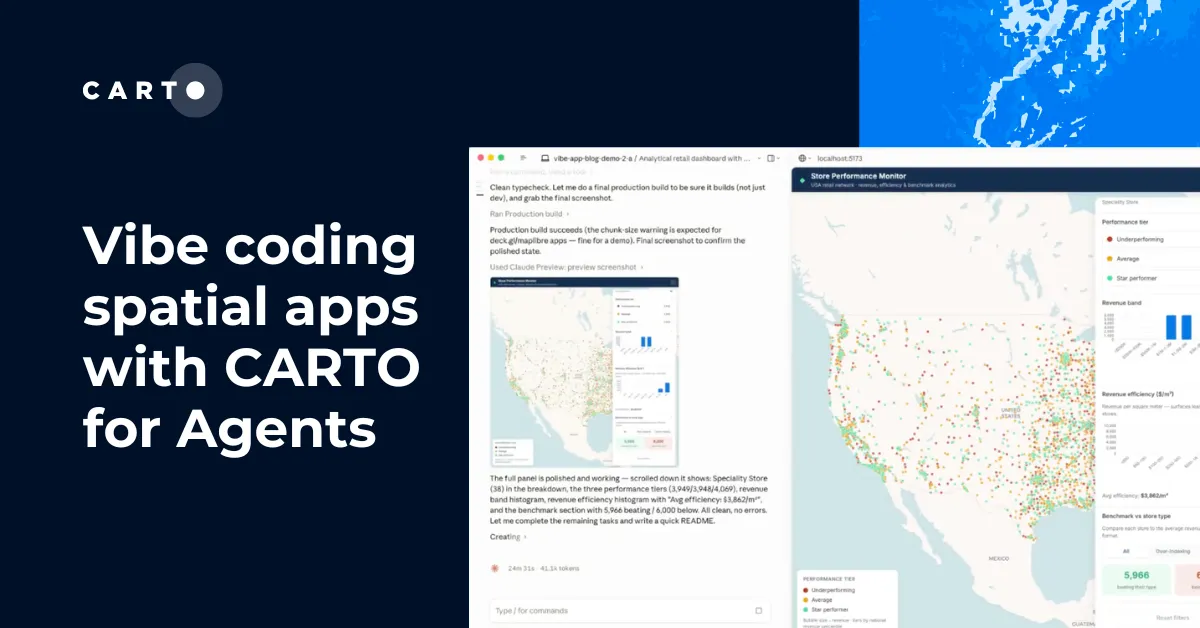
Building a spatial app from scratch can mean backend setup, data wiring, and boilerplate before the real work starts. Pair Cortex Code with the CARTO CLI and Agent Skills to build a CARTO map, Workflow, or deck.gl app on your Snowflake data from a single prompt, with every query running in Snowflake.

Frequently asked questions
Snowflake gives you spatial data types and core functions. CARTO goes much further, with hundreds of advanced spatial analysis functions that run in Snowflake, from routing and isolines to hotspot and regression analysis. You can build visual Workflows, publish them as reusable tools that agents and colleagues can run, and share live, governed maps your team keeps using, not a one-off chat visual. On top of that, you can build AI Agents on top of your maps, powered by Snowflake Cortex AI, so anyone can ask questions of your data in plain language.
Only what your permissions already allow. Each person connects with their own CARTO account, so calls run as that person and respect the roles, row access policies, and masking already attached to them. Data is queried in place, with nothing extracted, and every action is logged like any other CARTO activity.
No. Inline maps need MCP Apps support, which only some platforms have. In Snowflake the agent builds the map and gives you a link that opens in CARTO Builder.
A Snowflake admin with ACCOUNTADMIN access, and a confidential OAuth client created in CARTO. The admin registers the CARTO MCP Server as an MCP connector, adds it to a Cortex Agent, and publishes the agent to CoWork. After that, each person connects once with their own CARTO account. The CoWork setup guide walks through each step.
Connecting the CARTO MCP Server is free with a CARTO account. Start a free 30-day trial, or request a demo to see it in action.
Related content