Network Deployment
End data sprawl for network planning
Coverage, demand, and competitor data sit in different places. Bring them together in your own cloud and rank where to build next.




What network teams run in CARTO
Plan and deploy your network securely in your own cloud, whether you're working with mobile, fiber, towers, satellite, utilities, or branch networks.
See the industry view for telecoms, utilities, and retail.
Find coverage gaps
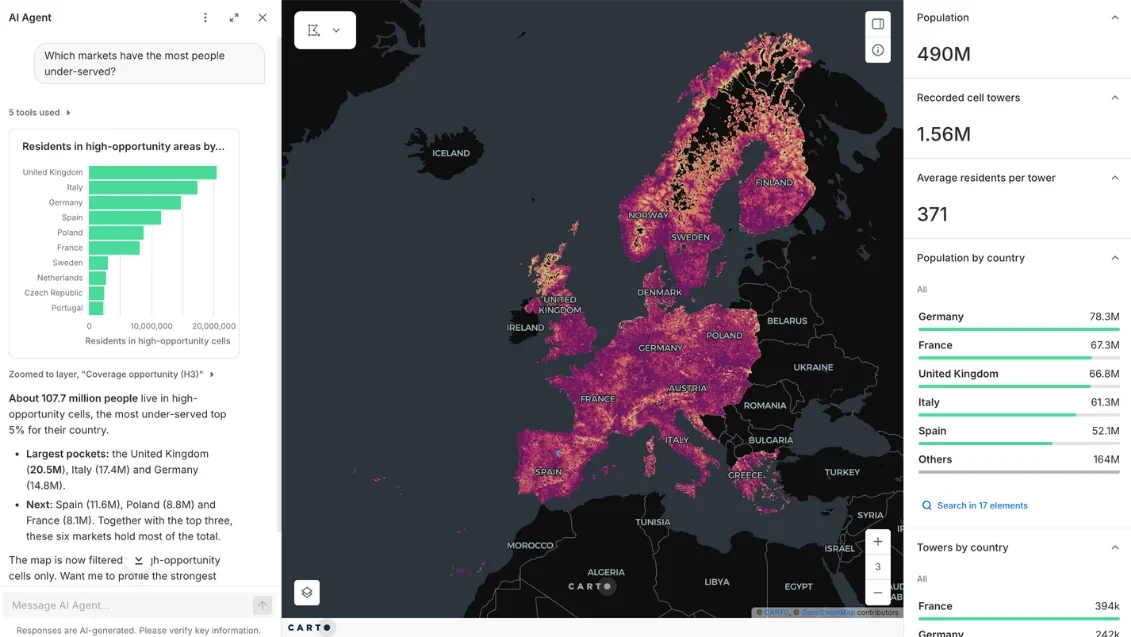
Finding under-served markets usually means a specialist, a pile of exports, and a map that is out of date by the time it lands.
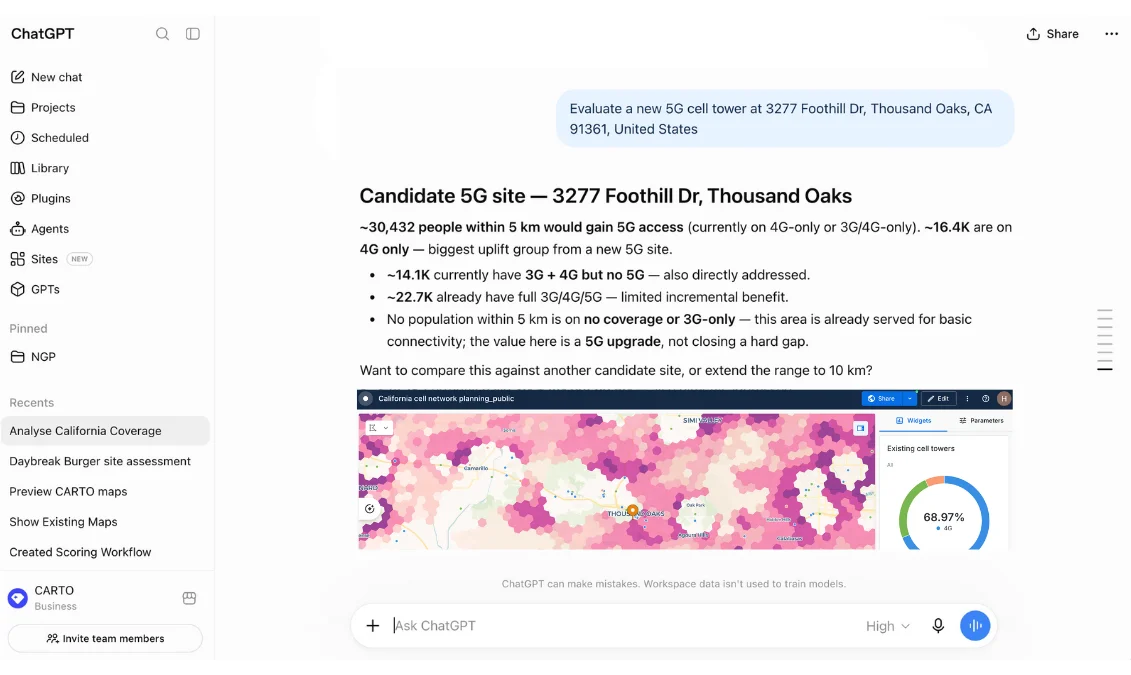
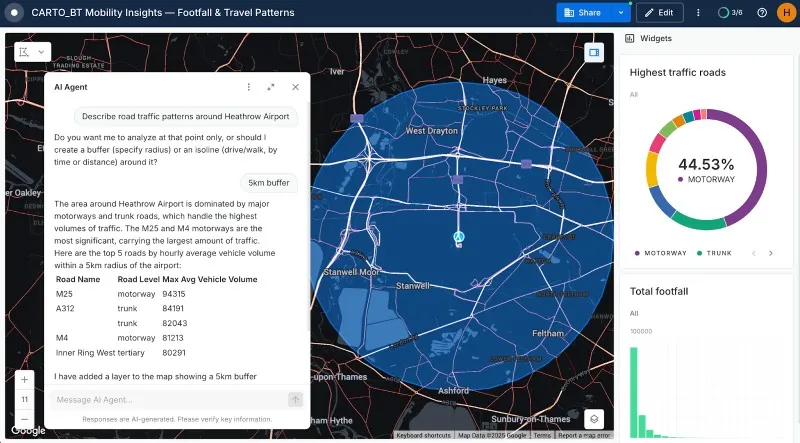
CARTO lets you ask an AI Agent which markets have the most people under-served and get the answer from live data in your own warehouse, with no exports and no queue.
Size the demand
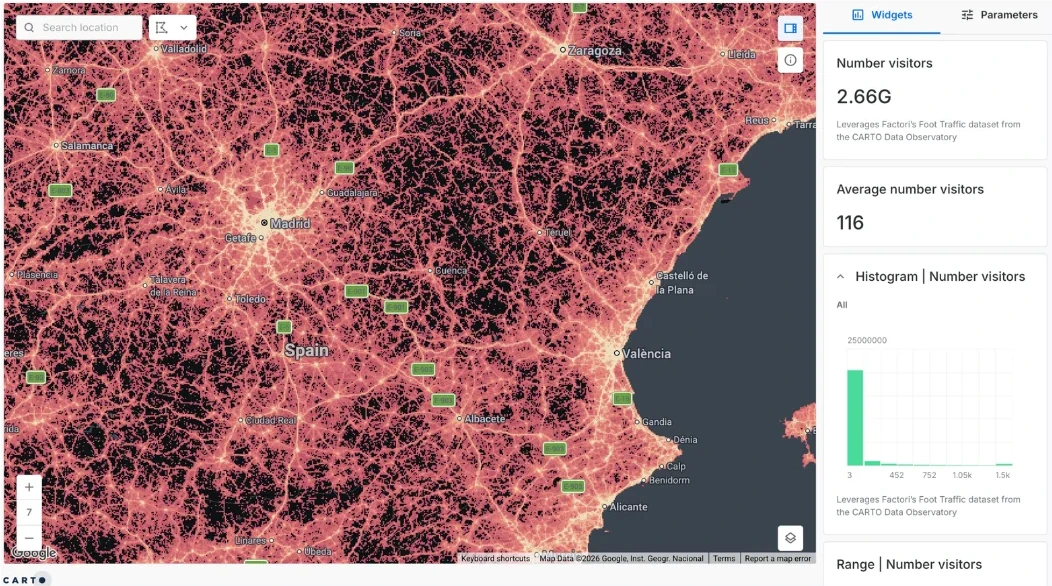
Buying, cleaning, and loading demand data for every project means each estimate starts from scratch.
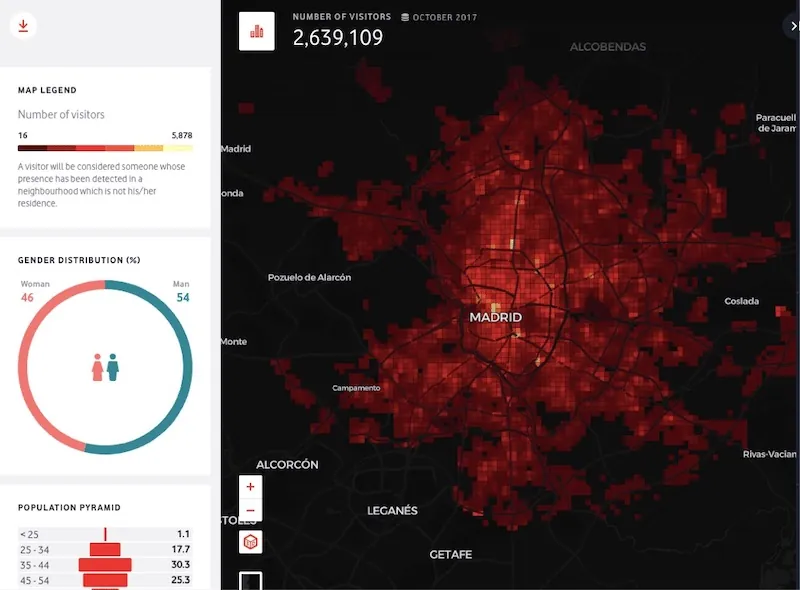
CARTO lets you join population, spend, and mobility data from the Data Observatory straight to your network data in the warehouse, so every estimate starts from the same base.
Score and rank sites
When each candidate site gets scored in a different spreadsheet, with different weights, there's no fair way to compare them.
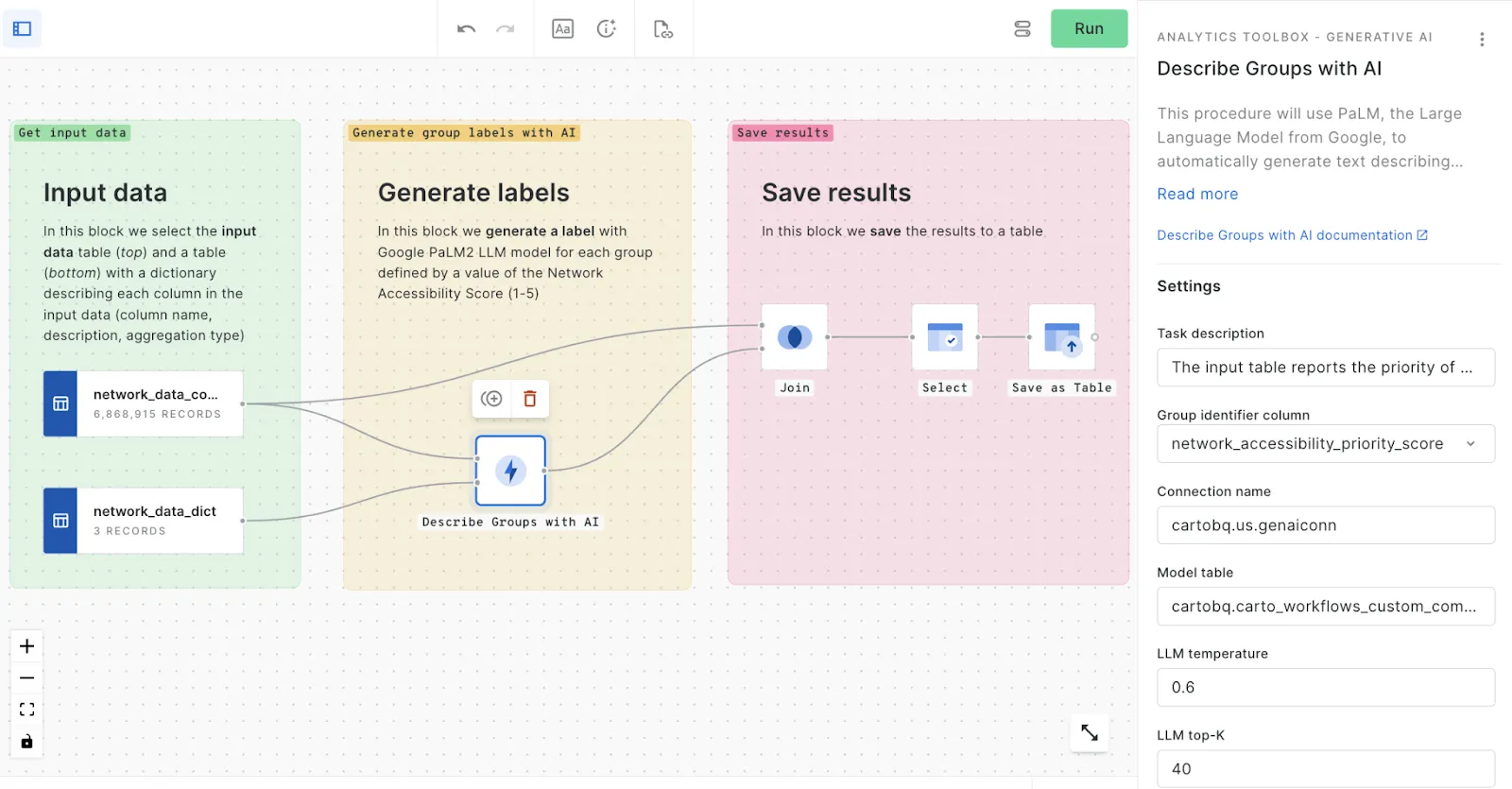
CARTO lets you save your scoring as one Workflow that anyone can run, even from agent platforms like ChatGPT, so every site is judged the same way.
Map the catchment
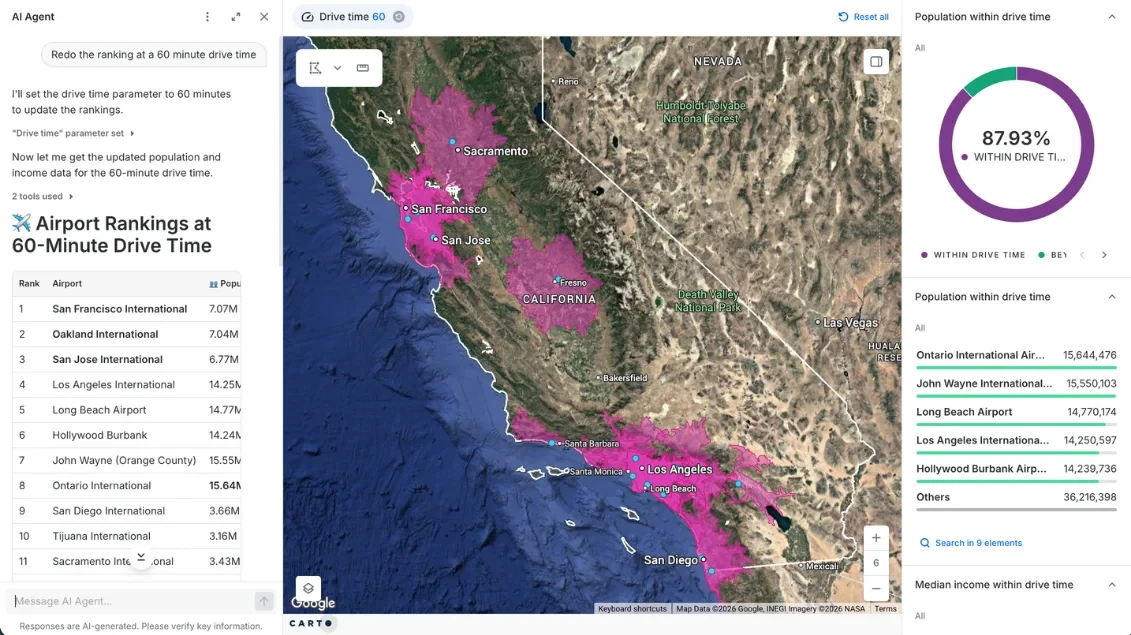
Changing one assumption, like the drive time, usually means rebuilding the whole analysis.
CARTO lets you change the drive time in plain language and rerun the ranking on the spot, with population and income recalculated from your own data.
Route the build
When routing tools sit apart from your network and customer data, their results never quite line up with the rest of the plan.
CARTO lets you calculate routes and travel times inside your warehouse, next to the data they depend on, and use them like any other table.
Test what-ifs
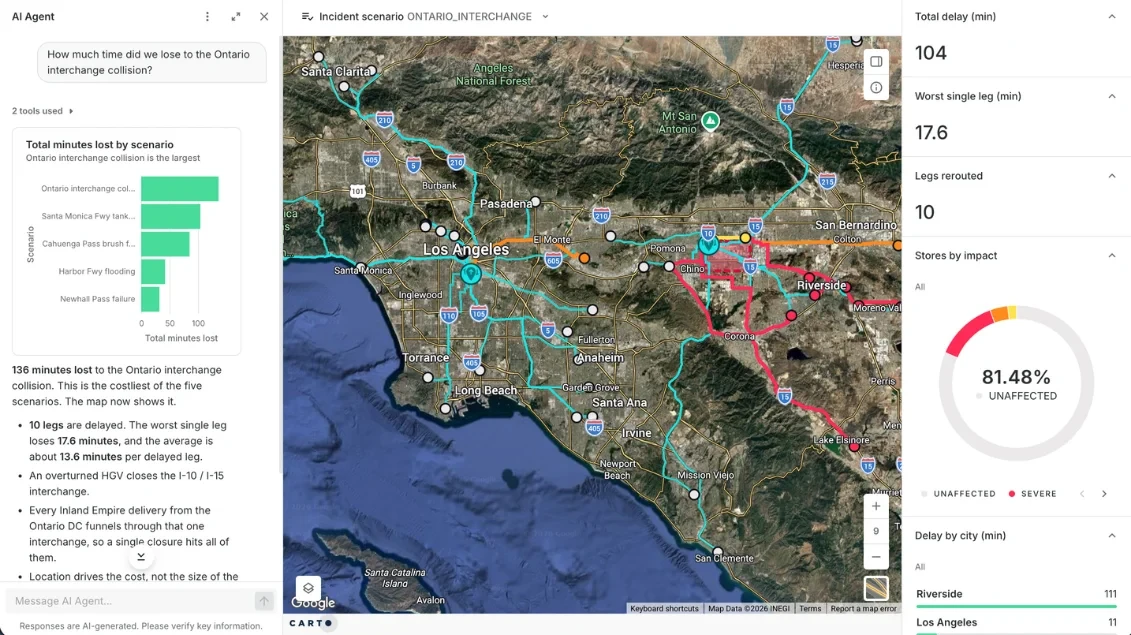
Most what-if questions never get asked, because each one needs an analyst and a new model.
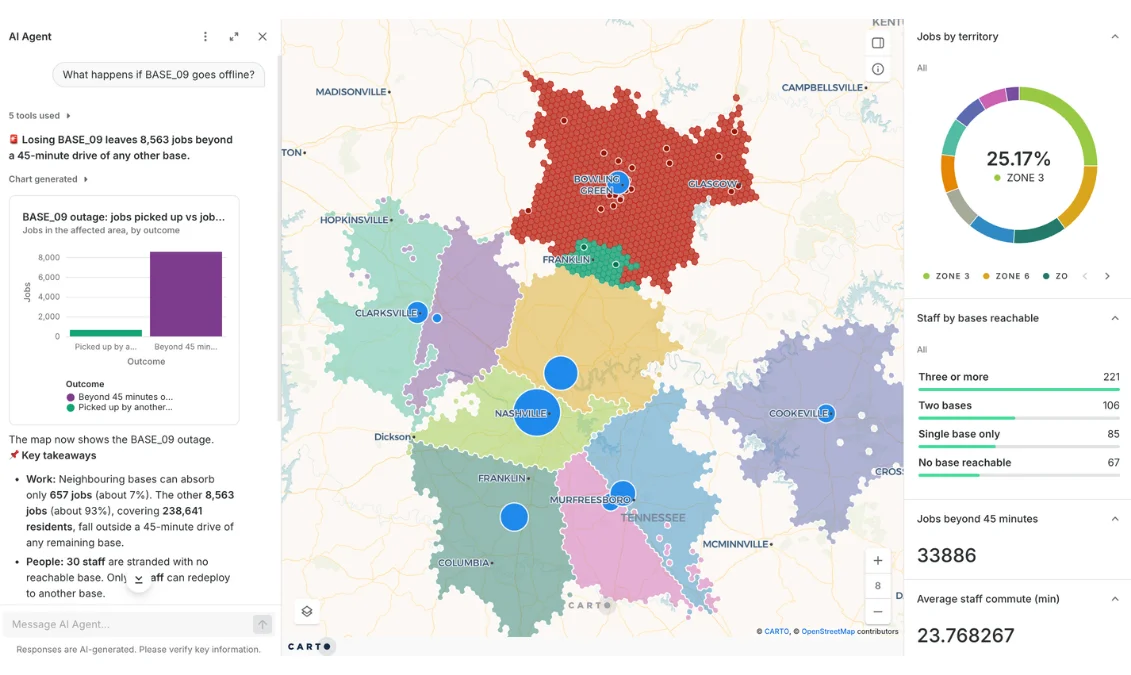
CARTO lets anyone ask an AI Agent what happens if a site goes offline and see who loses service, using the Workflows your analysts have already built.
A better way to decide where to build
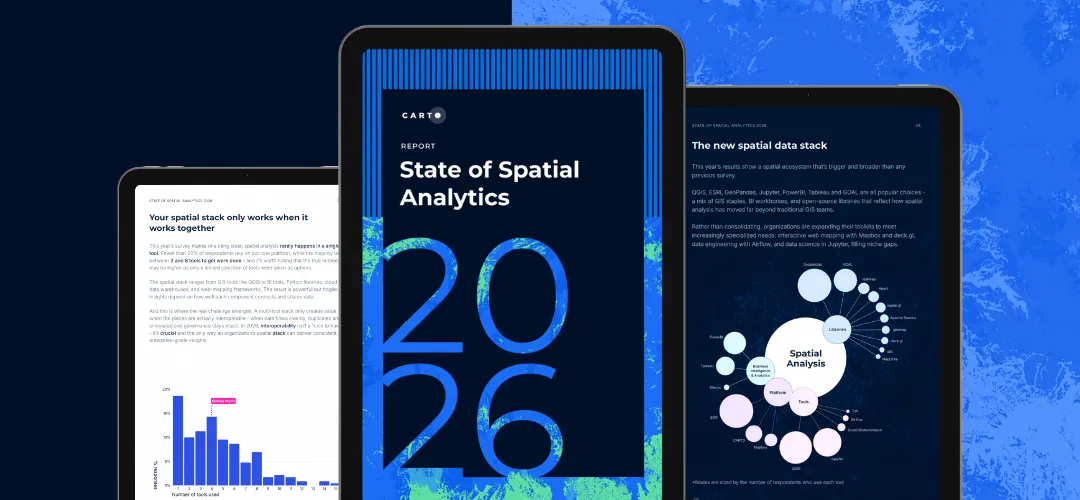
Most network teams stitch the answer together from exports, desktop GIS, and one-off scripts; nearly 30% of spatial teams say data access and integration delays are the main thing holding them back (Source: The State of Spatial Analytics 2026).
CARTO lets you run the analysis once, in one place, for everyone who needs it.
* Describes typical setups. Individual tools and teams vary.

Desktop GIS and planning suites
Exported into the tool, so copies drift
In-house scripts and notebooks
Spread across notebooks and servers
CARTO
One governed warehouse, queried in place
Desktop GIS and planning suites
Buy, clean, and load population, spend, and mobility data for each project
In-house scripts and notebooks
The same, by hand
CARTO
Population, spend, mobility, and points of interest from the Data Observatory, a join away
Desktop GIS and planning suites
Manual joins and one-off fixes
In-house scripts and notebooks
Custom code for each dataset
CARTO
Spatial joins and enrichment as components in a saved Workflow, rerun whenever new data lands
Desktop GIS and planning suites
Rebuild the model and wait for the specialist
In-house scripts and notebooks
Have the author rerun the script
CARTO
Ask an AI Agent, and the saved Workflow reruns with your new parameters, within the limits the agent's builder has set
Desktop GIS and planning suites
GIS specialists
In-house scripts and notebooks
Whoever wrote the code
CARTO
Planners and executives, through an AI Agent in plain language
Desktop GIS and planning suites
Static maps, PDFs, or a web map viewer, cut off from the analysis behind them
In-house scripts and notebooks
A notebook screenshot
CARTO
Live maps and agents, with versioned Workflows and warehouse permissions carried over


Frequently asked questions
Yes, because your GIS experts do the expert part. They build the Workflows and AI Agents, encoding their methods, data, and guardrails in them. Planners and executives then ask those agents questions in plain language, and every answer draws on that expertise rather than being improvised. Learn more about CARTO for Agents.
Yes to both. CARTO lets you run the analysis inside your existing cloud data warehouse (BigQuery, Snowflake, Redshift, Databricks, or Oracle), under the access controls you already have, and it can also be self-hosted. AI Agents can use the model you choose, including your own, so your prompts and data stay in your environment and use your vetted tools.
No. Radio planning tools model signal propagation. CARTO lets you add the context around it, where the people, spend, and competitors are, to decide where to build. Your coverage outputs become one more layer in the analysis.
Combine your coverage data with population, spend, and mobility data, then score each area on demand, cost, and constraints. Geosegmentation groups areas by likely uptake, demand forecasting projects take-up, and routing estimates the build path. In CARTO that is one Workflow you can rerun when a number changes. Read more about site selection.
Network teams use GIS to find coverage gaps, size demand, rank where to build, and route the build. With CARTO, coverage gap analysis, drive-time catchments, composite scoring, and hotspot analysis run as reusable Workflows on your own cloud data, and the results are shared as live maps and AI Agents.