Architecture, Engineering & Construction
From GIS backlog to answers on demand
Siloed geodatabases and a GIS backlog slow projects. With CARTO, analyze your own cloud data and let teams and clients ask for answers.

One source of truth for every project
Project data sits in separate geodatabases, drives, and desktop files, so every team works from a different copy. CARTO runs spatial analysis from one governed cloud, without duplication or governance risk.

Analysis you only build once
Every project repeats the same site, risk, and access analysis, and each one waits in the GIS queue. In CARTO, build the analysis once as a Workflow, then rerun it on the next site as soon as the data arrives.

Deliverables clients can question
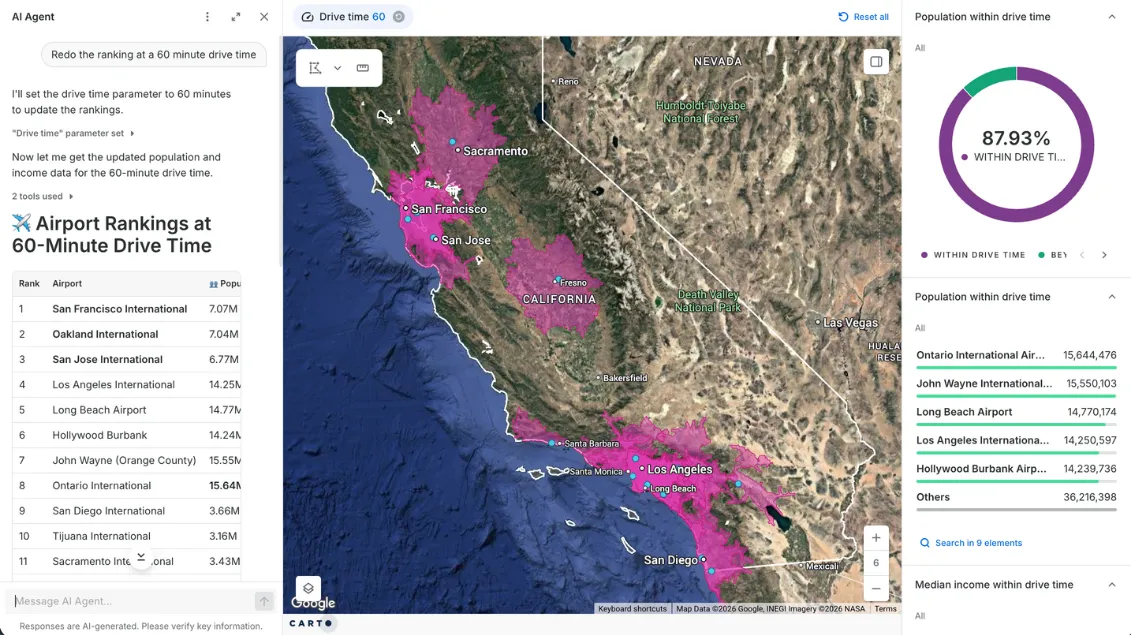
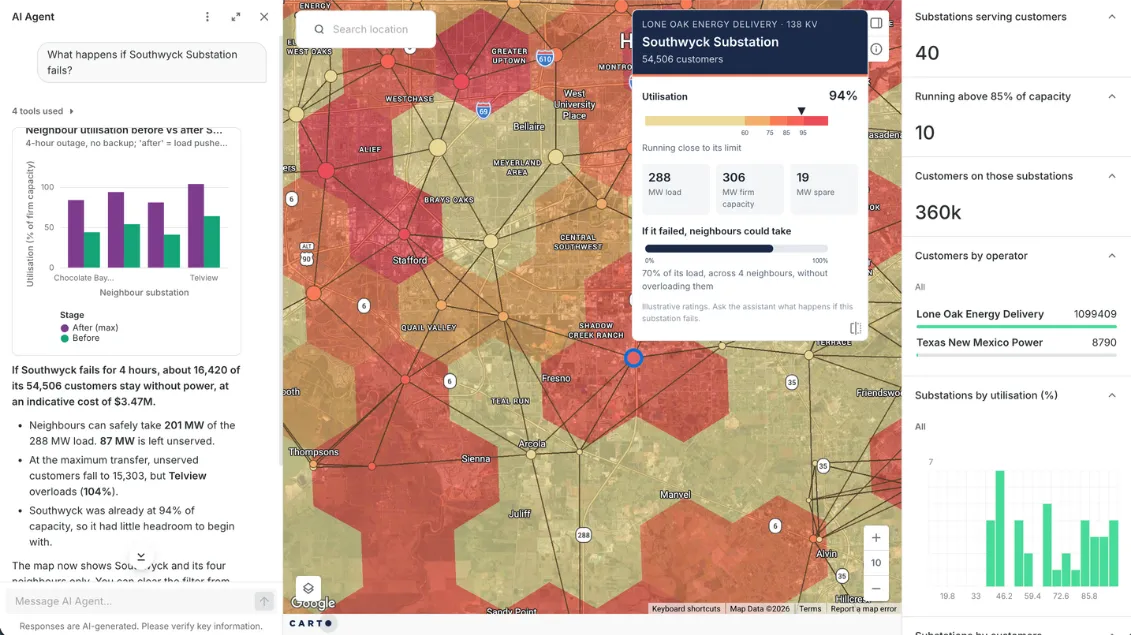
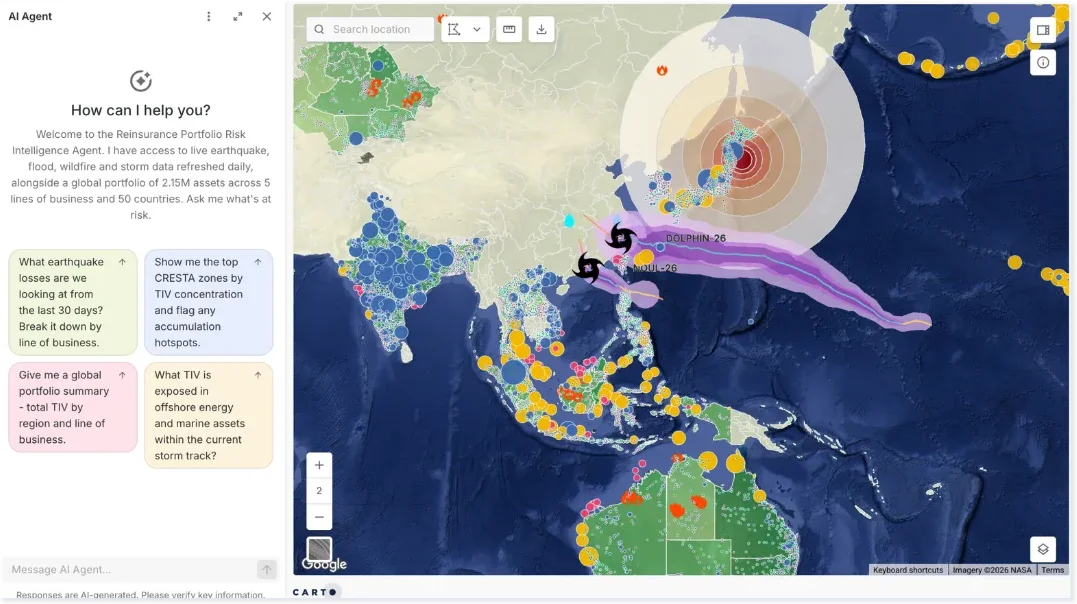
A static PDF can't answer the client's next question. Instead, share live CARTO maps and AI Agents that answer follow-ups, with a repeatable Workflow behind every answer.





Turning asset data into maintenance priorities

How it works
Spatial analysis where your project data already lives
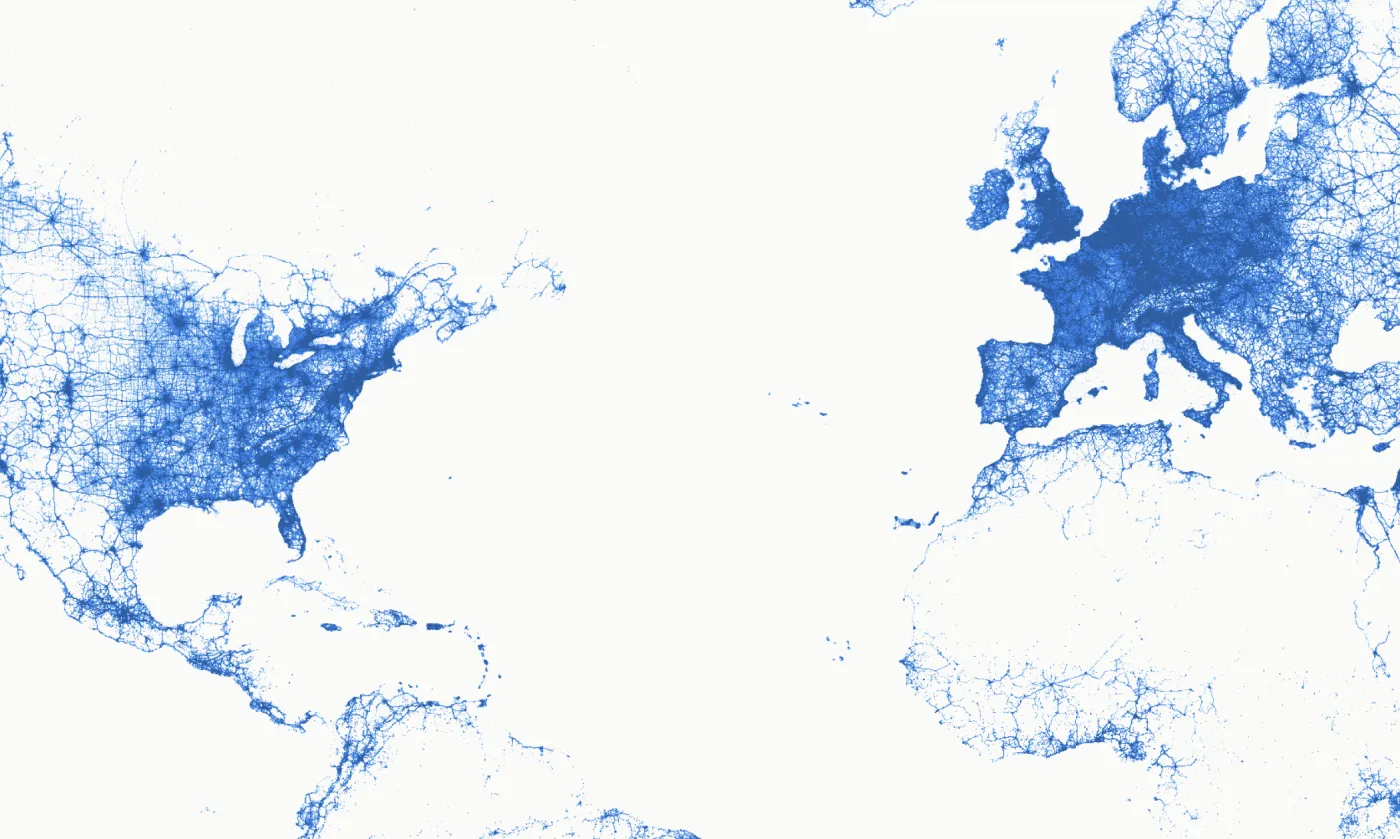






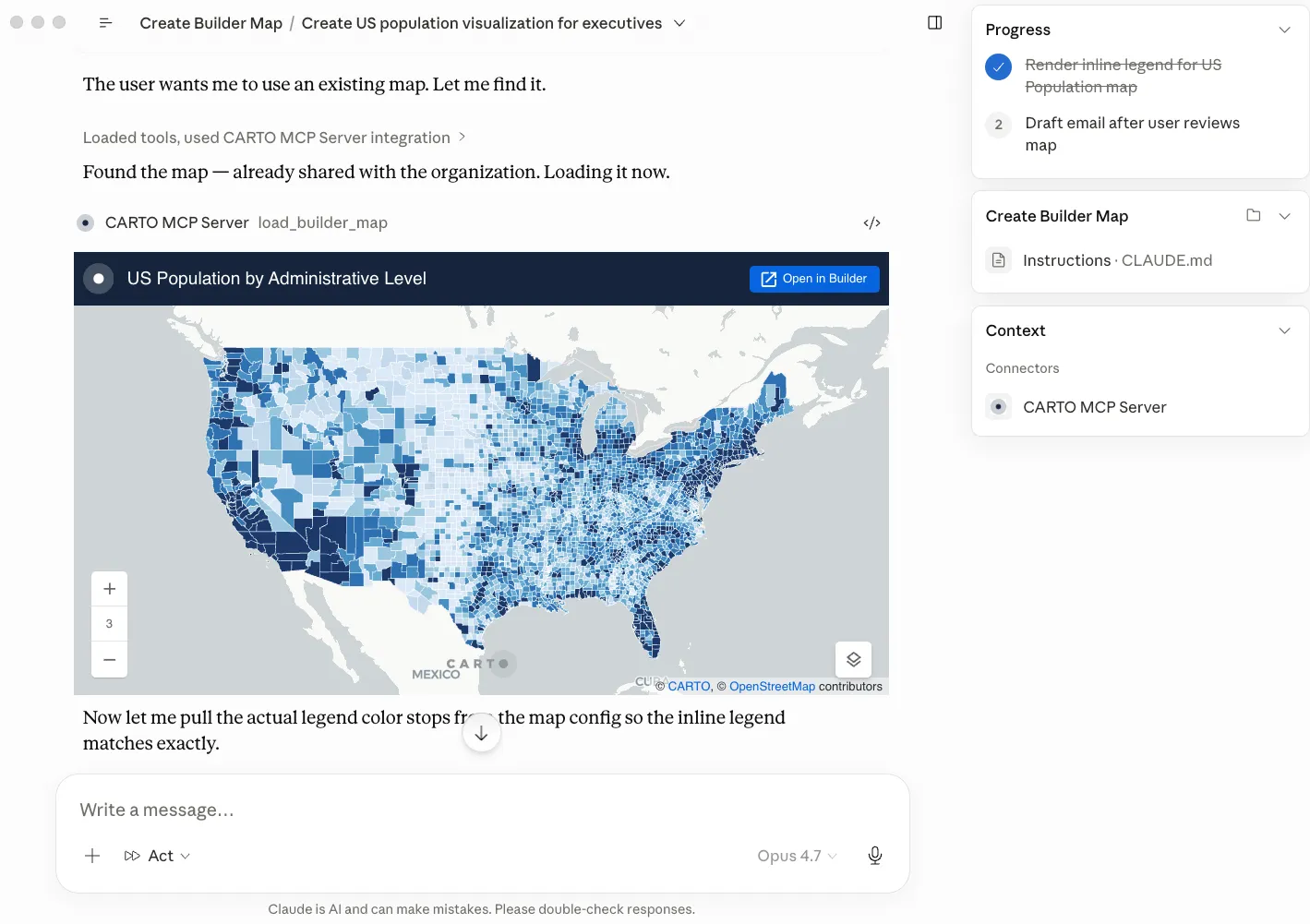
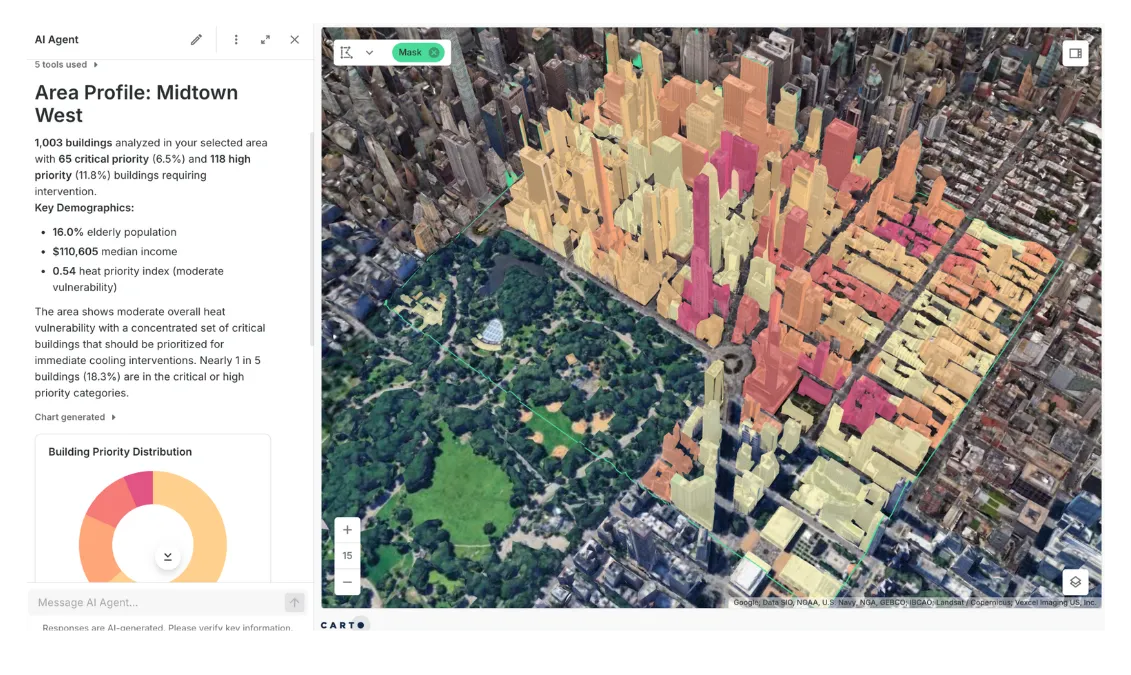
Where AEC teams use CARTO
Site Selection & Land Acquisition
Screening land means gathering parcels, flood, topography, zoning, and access data for every site, then doing it all again for the next one.
Bring parcels, flood risk, elevation, and road data from the Data Observatory together with your own, and score and rank every site in one reusable Workflow.
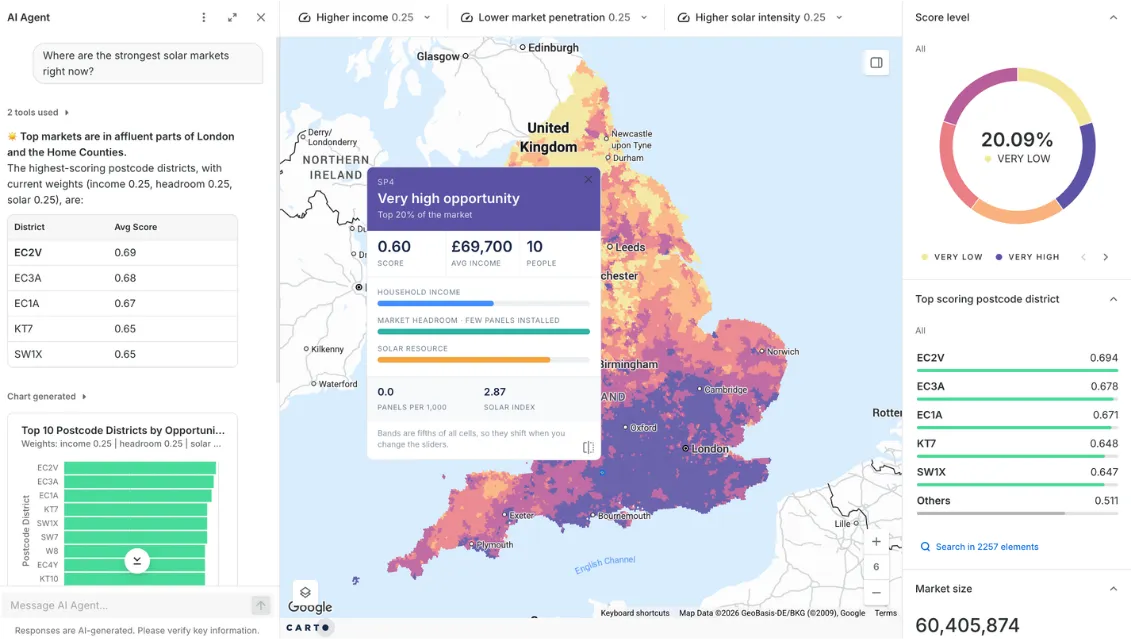
Planning Constraints & Urban Design
Design teams check constraints and compare districts by hand, one parcel at a time.
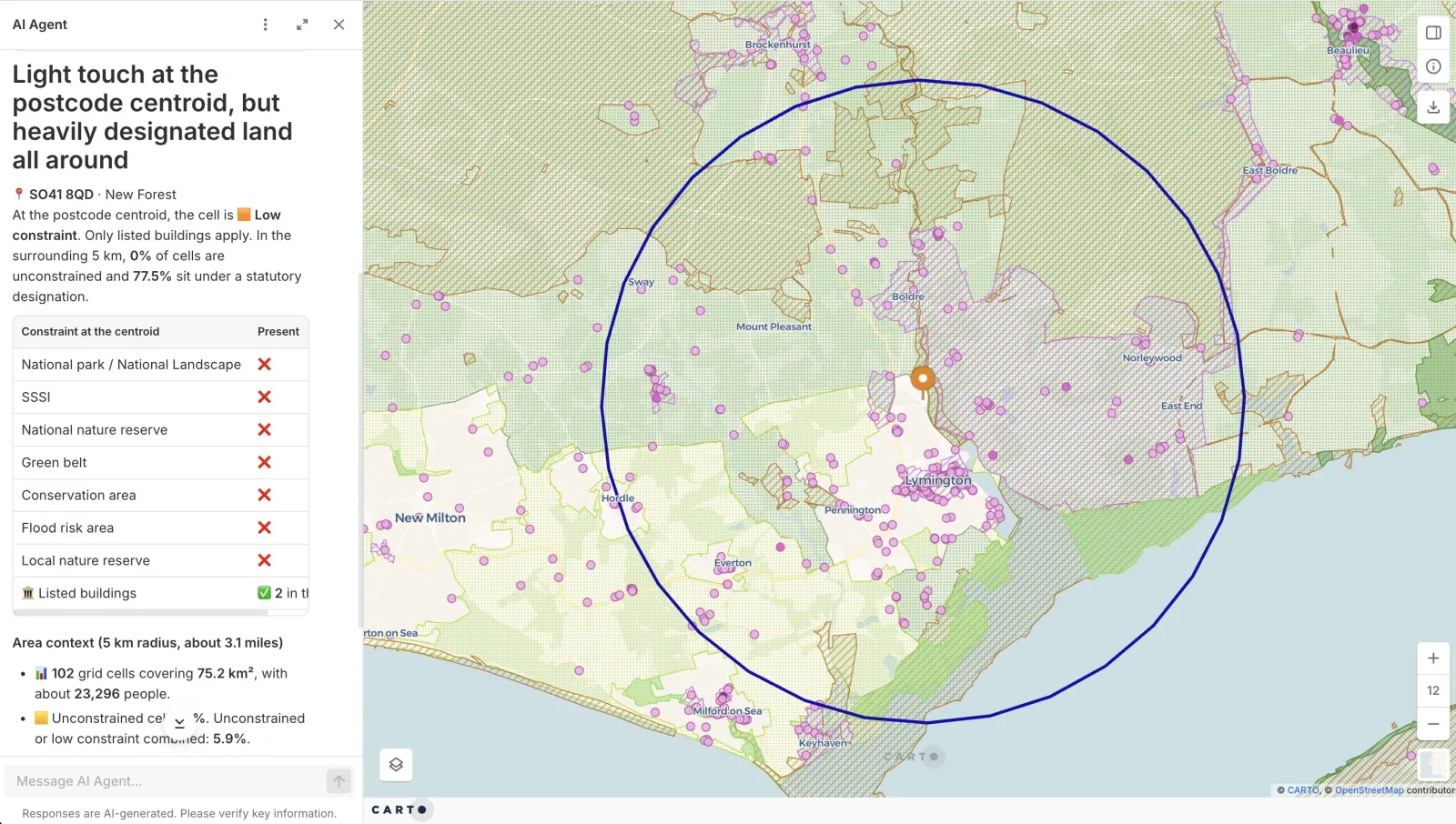
Flag the flood zones, zoning, heritage sites, and protected land that touch every parcel, and use twin-area analysis to find places that match a district that works, before the design hardens.
Transport & Mobility Planning
Corridor and signal studies stall on slow data pulls and fixed model runs.
CARTO analyzes billions of mobility and traffic records natively in your cloud warehouse, so you rerun corridor, safety, and signal-priority studies as new data arrives.
Frequently asked questions
CARTO works alongside it. Teams can keep Esri for design and survey data and add CARTO for analysis at cloud scale, automation, and client-facing apps. CARTO runs on the cloud data warehouse you already use, so existing data and access controls carry over from your cloud.
Yes, because a GIS expert builds the agent, not the model on its own. Your GIS team sets it up with what they know about your projects, your data, and how each analysis should run, and gives it reusable Workflows as tools. The agent answers by running that tested analysis, not by writing a new SQL query for every question, so the same question gets the same answer and you can show how it was reached. Learn more about CARTO AI Agents.
Yes. CARTO runs inside your own cloud data warehouse (BigQuery, Snowflake, Redshift, Databricks, or Oracle), so each project's data can sit in its own dataset or schema under the access controls you already use. Nothing is copied out of the warehouse, and you choose which people and groups can open each map, workflow, and AI Agent.
Construction and engineering teams use GIS to screen sites, check constraints such as flood zones, zoning, and protected land, plan access and logistics, and track assets after handover. With CARTO, spatial joins, drive-time analysis, and hotspot analysis run as reusable workflows on live data, and the results are shared as interactive maps that clients can question.
Bring parcels, flood risk, elevation, and road access together with demand or demographic data, then rank every candidate with composite scoring and drive-time analysis. In CARTO this runs as a workflow in your own cloud, so you can rerun it when a constraint changes. Read more about site selection.